AIGUI
Let coding agents draw charts, diagrams, 3D, molecules and animated topologies as PNGs or live pages
AIGUI




Render a streaming LLM answer as live UI — markdown, charts, diagrams, maths, 3D, topologies and app-defined cards — in React, Vue or plain DOM.
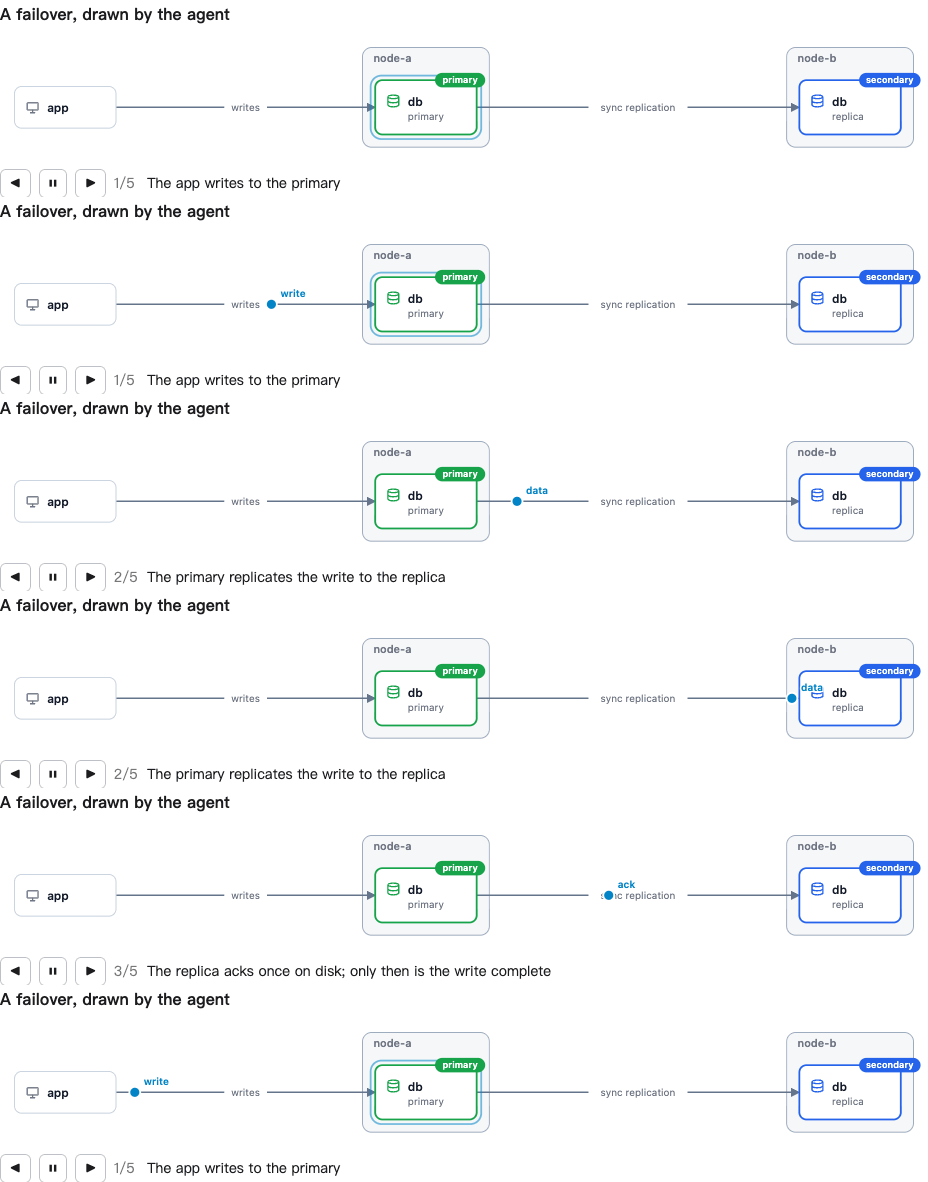
Live demos · Use it from Claude Code or Codex — the agent draws charts, diagrams, 3D and topologies for you, as pictures or a live page: install the plugin.
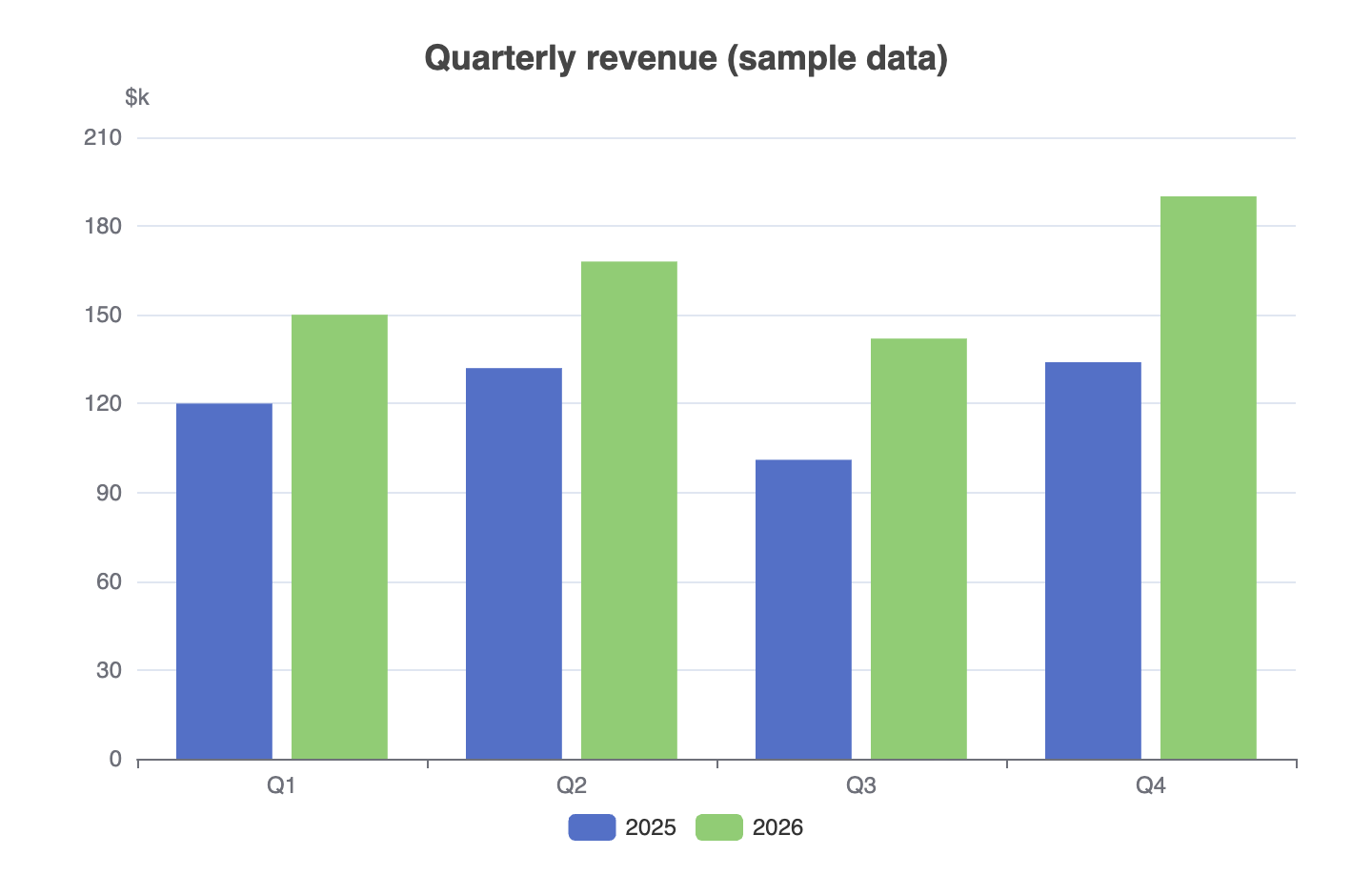 | 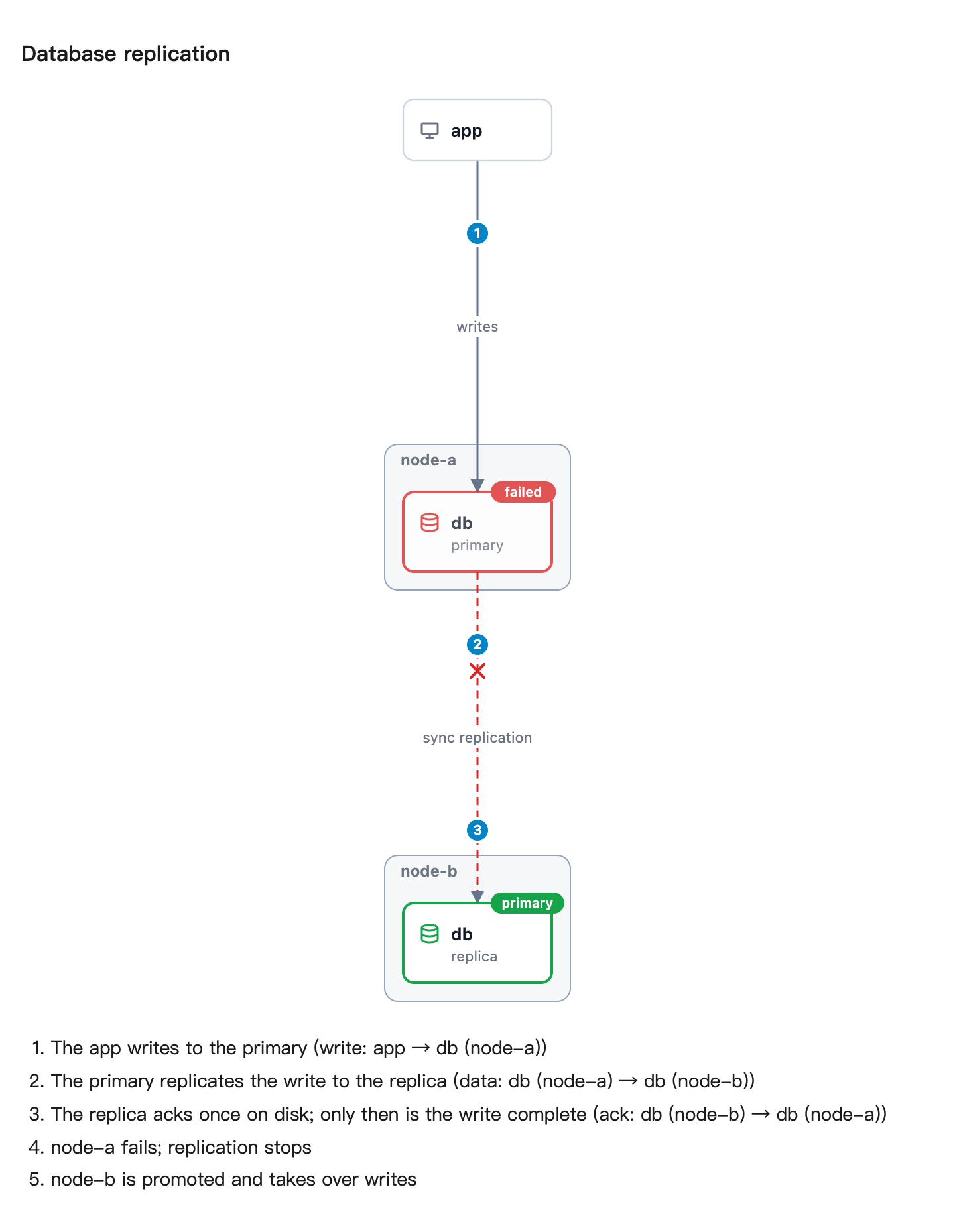 |
 |  |
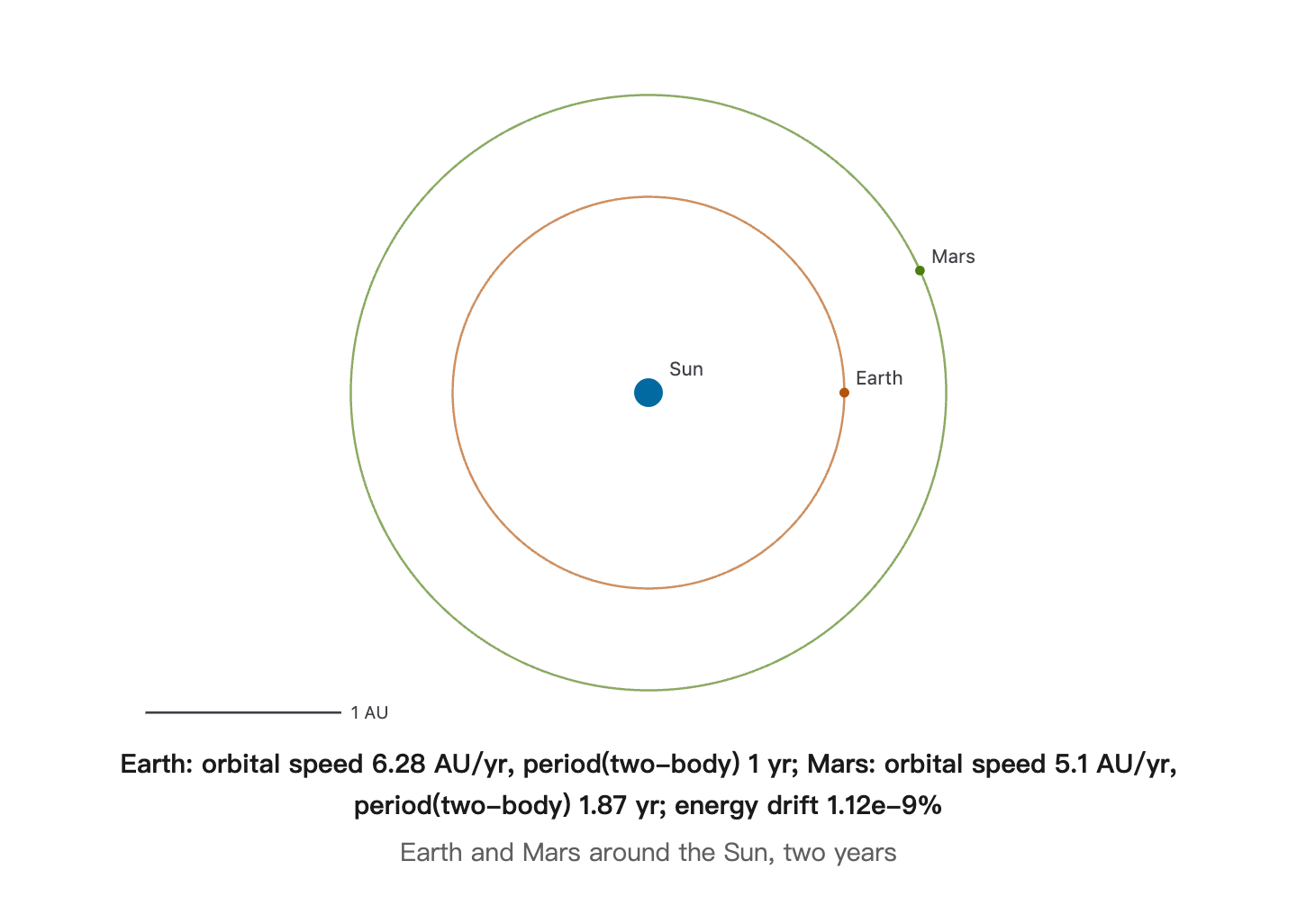 | 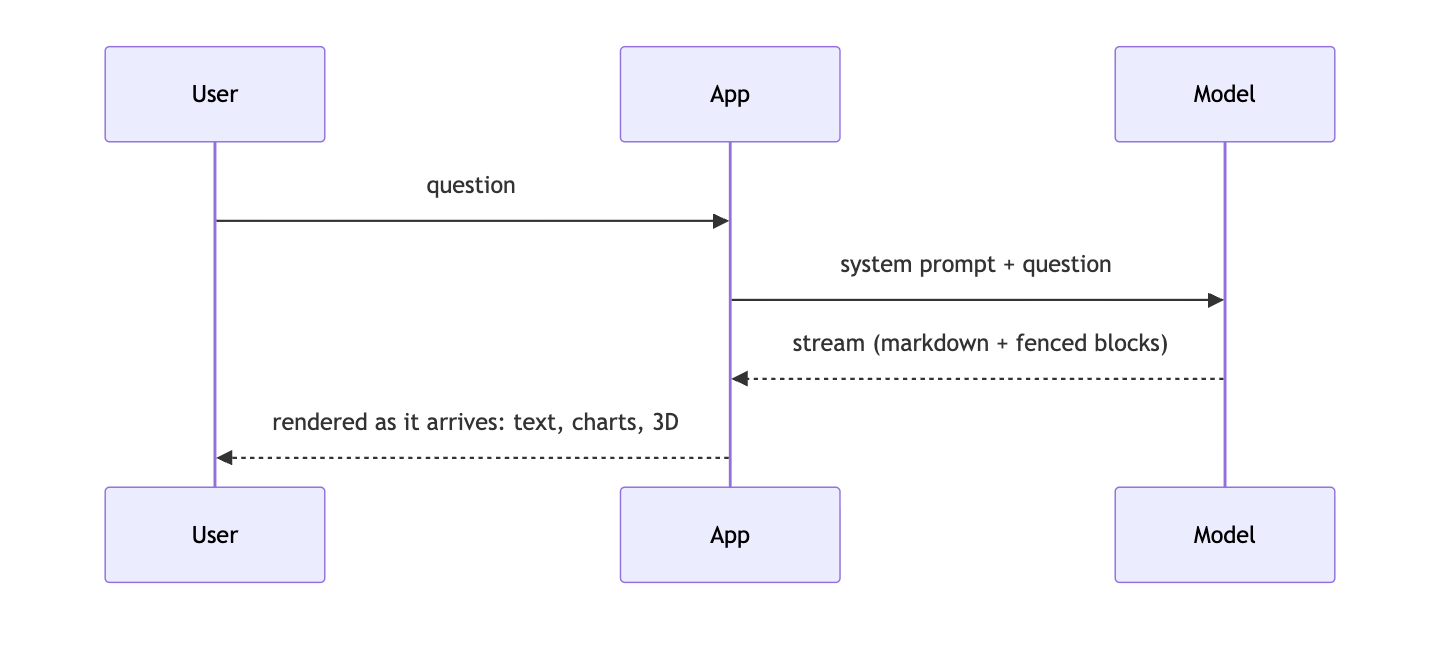 |
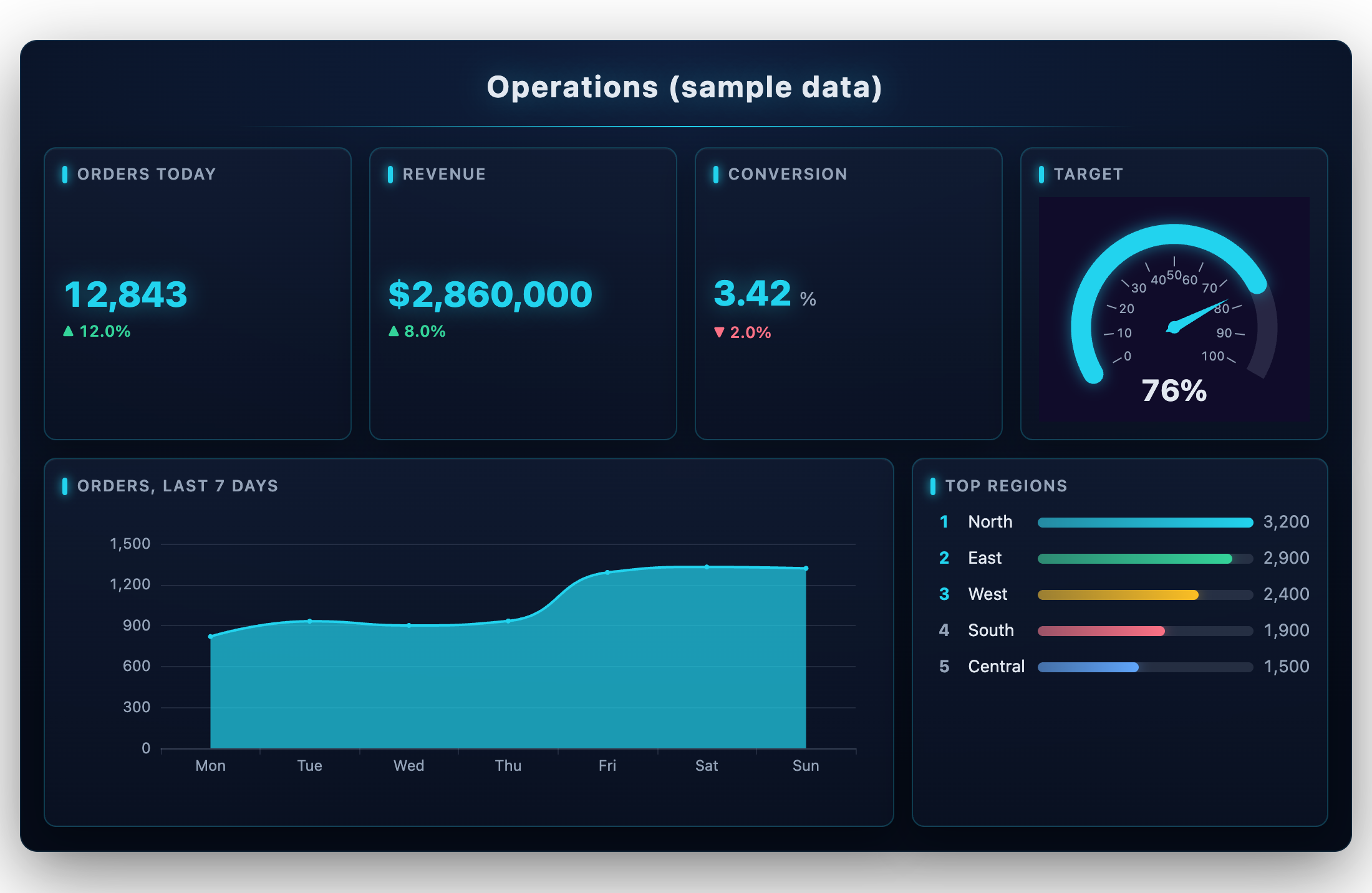
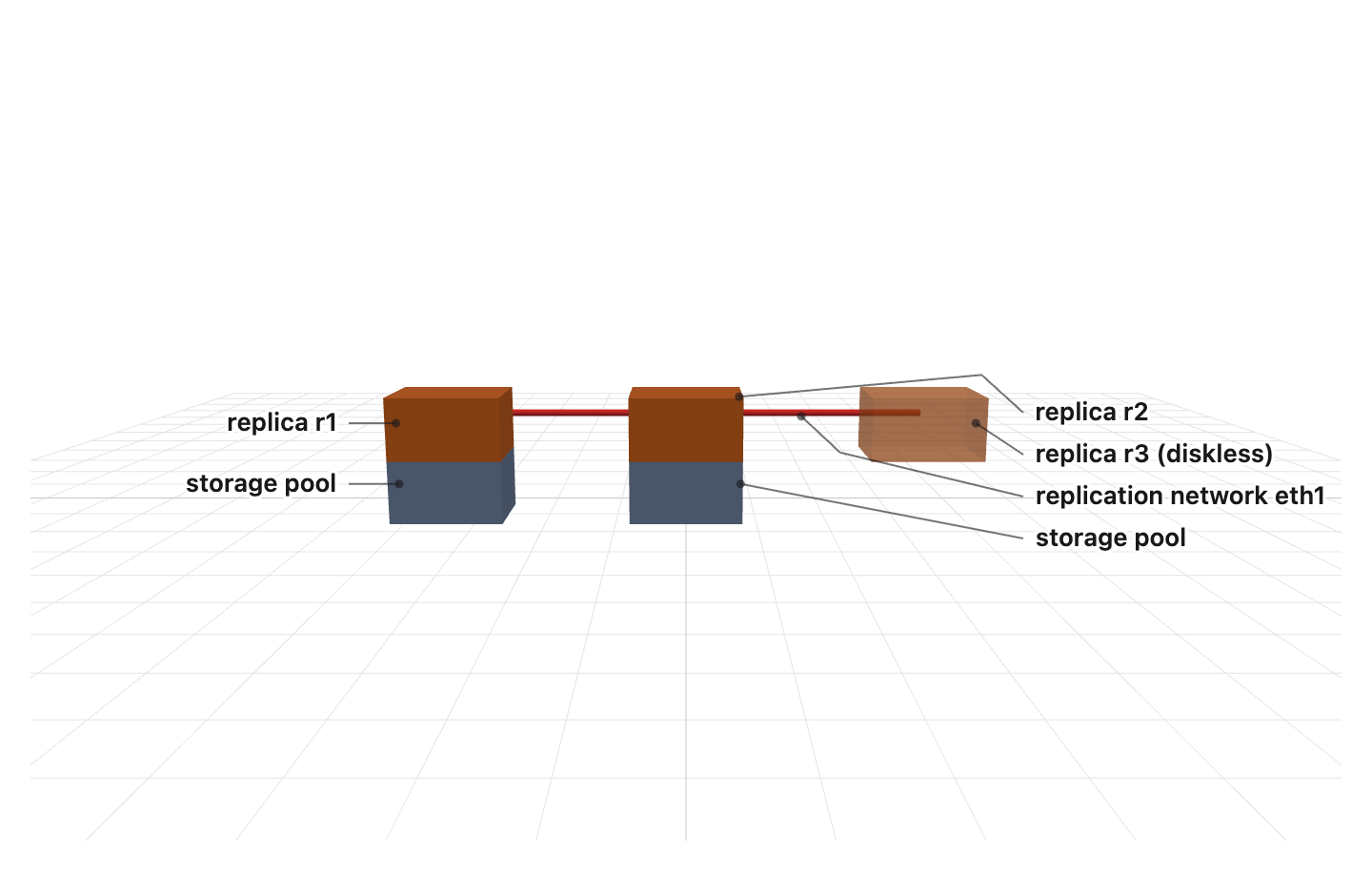
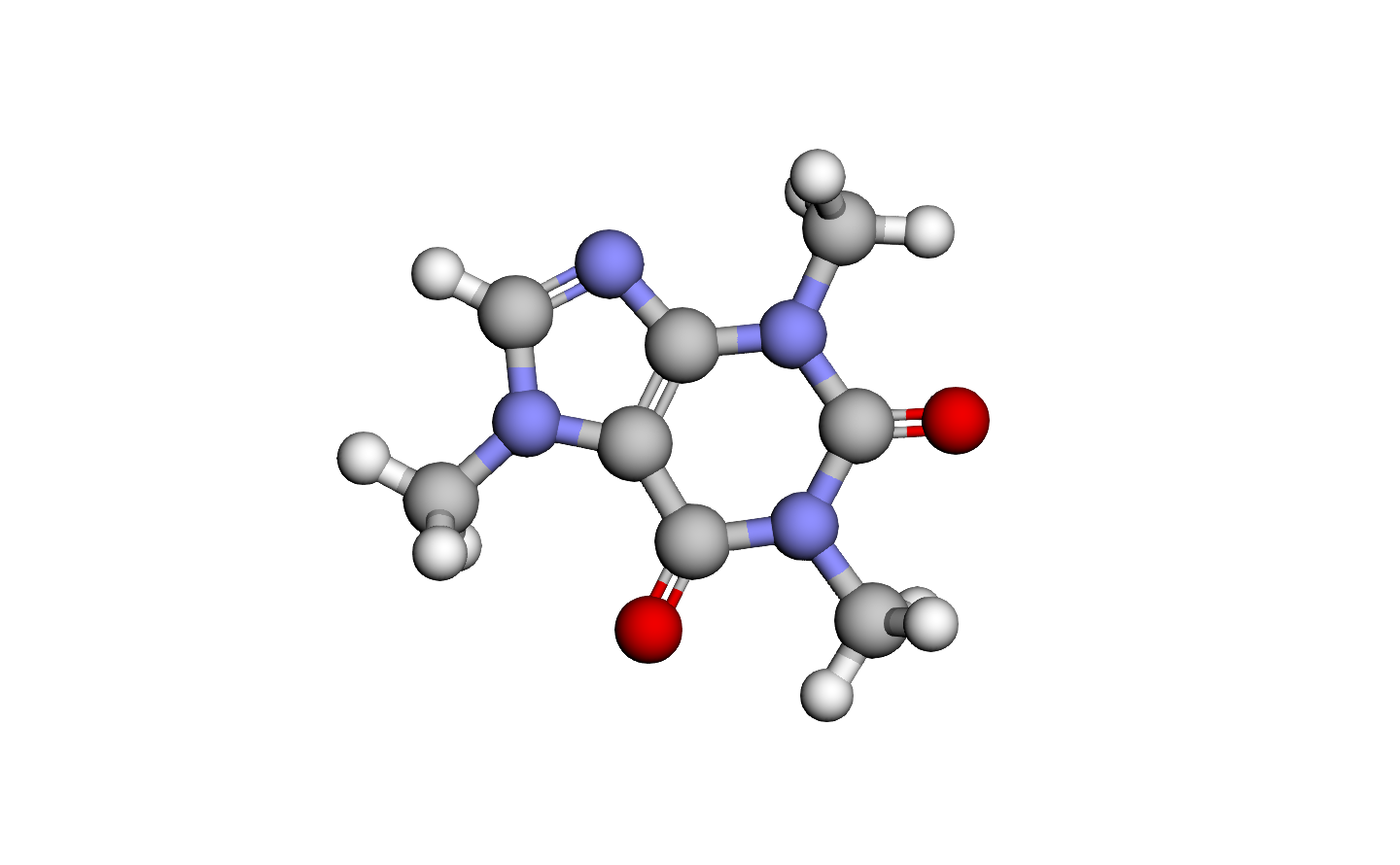
Every picture above was drawn by AIGUI from a fenced block a model wrote; the data is sample data.
Install
pnpm add @ai-gui/core @ai-gui/react      # or @ai-gui/vue, @ai-gui/vanilla
pnpm add @ai-gui/plugin-chart @ai-gui/plugin-mermaid @ai-gui/plugin-katex   # any plugins
Quick start
import { useRef } from "react"
import { buildSystemPrompt } from "@ai-gui/core"
import { AIRenderer } from "@ai-gui/react"
import { chart } from "@ai-gui/plugin-chart"
import { mermaid } from "@ai-gui/plugin-mermaid"

const plugins = [chart(), mermaid()]
const system = buildSystemPrompt({ base: "You are a helpful assistant.", plugins })

export function Answer() {
  const ref = useRef(null)
  async function ask(question: string) {
    const res = await fetch("/api/chat", { method: "POST", body: JSON.stringify({ system, question }) })
    ref.current.reset()
    await ref.current.feed(res.body) // renders as the tokens arrive
  }
  return <AIRenderer ref={ref} plugins={plugins} />
}
buildSystemPrompt tells the model which blocks it may write; pass locale: "zh-CN" for the rules in Chinese. The backend only streams text — any language works.
In Claude Code and Codex
# Claude Code
/plugin marketplace add liliang-cn/aigui
/plugin install aigui@aigui

# Codex
codex plugin marketplace add liliang-cn/aigui
codex plugin add aigui@aigui
The agent can then draw: aigui_render returns PNGs, aigui_open opens a live page in your browser, aigui_edit changes a page in place, aigui_export saves it as PNG, PDF, a self-contained HTML file or a GIF/WebM of it playing, and aigui_topology draws a system straight from its docker-compose or Kubernetes files. Page text is English unless you ask for another language. See @ai-gui/mcp.
To see the pictures inside Claude Code instead of an image viewer, add the img-view mod: /plugin install img-view@aigui. It shows each drawing in a pane beside the conversation, as real pixels in kitty, Ghostty, iTerm2 and WezTerm and as colour block art in any other terminal.
Docs
- All packages on npm: npmjs.com/org/ai-gui
- Full guide — cards, actions, channels, plugins in depth
- AGENTS.md — integrating the SDK, what the model may write, releasing
- Each package's README, under
packages/
License
MIT
Installation
Source-derived launch command. Check the maintainer’s required arguments and credentials before running:
npx -y @ai-gui/mcpSet up in your AI client
Merge this template into ~/Library/Application Support/Claude/claude_desktop_config.json. Keep existing servers. Add any arguments, credentials, and permissions required by the maintainer; this template has not been install-tested.
{
  "mcpServers": {
    "io-github-liliang-cn-aigui": {
      "command": "npx",
      "args": [
        "-y",
        "@ai-gui/mcp"
      ]
    }
  }
}
Restart Claude Desktop completely for changes to take effect. Confirm the server appears connected in the client’s tool list, then try a read-only example from its documentation.
Claude Desktop setup referencePackage
@ai-gui/mcpnpmCompatible MCP Clients
AIGUI works with any MCP-compatible client. Copy the config snippet from the Configuration section above and add it to the file shown for your client, then restart the application.
- Claude Desktop
~/Library/Application Support/Claude/claude_desktop_config.jsonRestart Claude Desktop completely for changes to take effect. - Cursor
~/.cursor/mcp.jsonRestart Cursor for changes to take effect. - VS Code
.vscode/mcp.jsonReload VS Code window for changes to take effect. - Windsurf
~/.codeium/windsurf/mcp_config.jsonRestart Windsurf for changes to take effect. - Claude Code
.mcp.jsonSave at the project root, then start Claude Code in that project and review the MCP server approval prompt. Keep real credentials out of shared files.