io.github.Kjopstad-IT/rqwstr
AI-native HTTP security testing MCP server — 17 tools with raw HTTP/1.1 + HTTP/2 control
rqwstr
AI-native HTTP security testing toolkit, shipped as an MCP server. It gives an AI agent low-level control over HTTP/1.1 and HTTP/2 — raw framing, connection pinning, intruder-style fuzzing, request racing, OOB detection, and multi-step chains — on its own Go engine, rather than wrapping a high-level HTTP client.
This repository hosts the release binaries and Claude Desktop .mcpb bundles. The source is proprietary. Docs and sign-up: rqwstr.com.
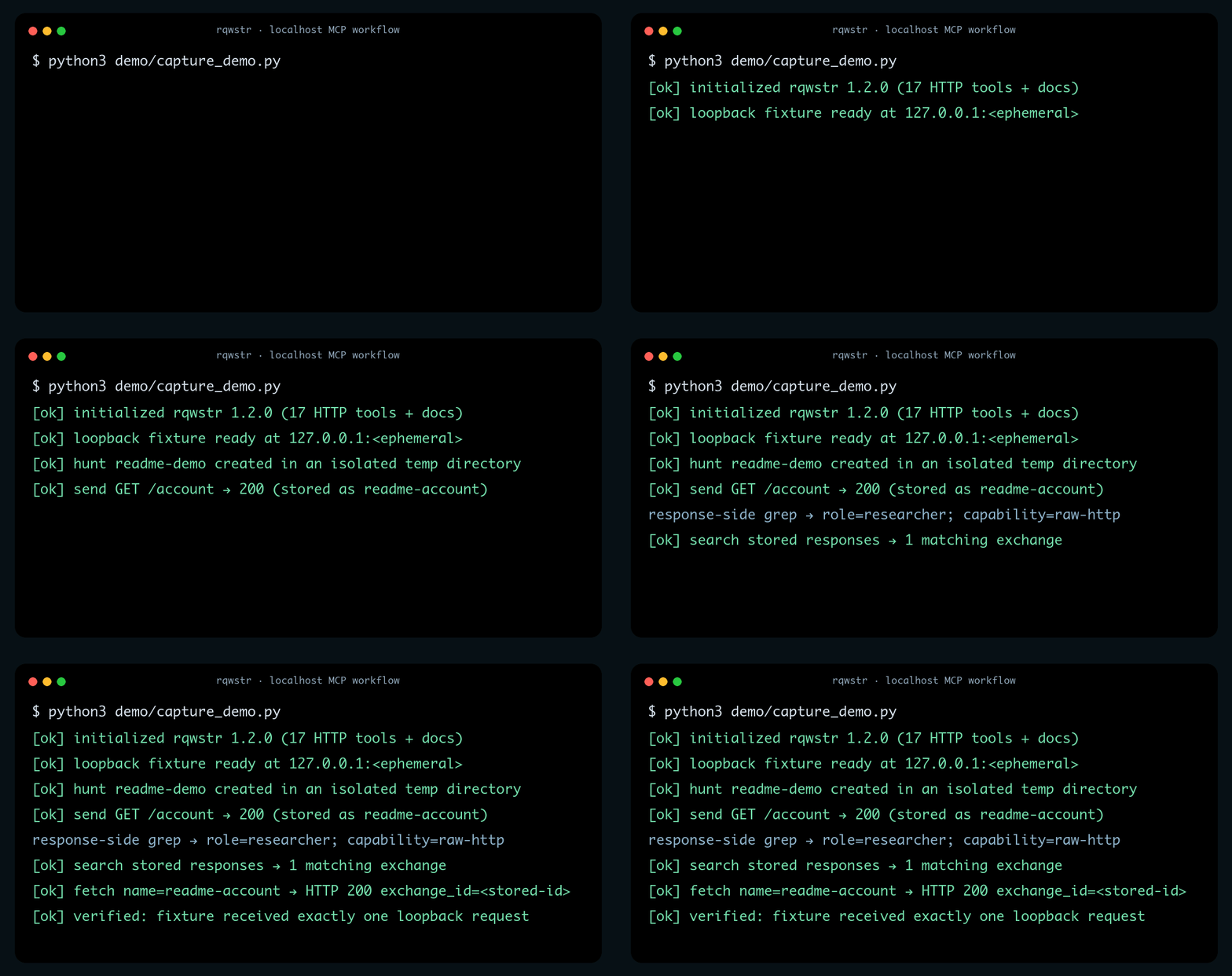
Real v1.2.0 MCP session against a synthetic loopback fixture: one request, response-side
filtering, stored search, and named retrieval. The capture and renderer are reproducible
from demo/ with an activated free or Pro license; no live target is
involved.
Install
Claude Desktop (one-click)
Download the .mcpb for your platform from the latest release and double-click it to add rqwstr as a Claude Desktop extension.
- macOS — Apple silicon (
darwin_arm64) or Intel (darwin_amd64) - Linux —
linux_amd64orlinux_arm64 - Windows —
windows_amd64
Standalone MCP server
Download the binary for your platform from the latest release, then point your MCP client at it:
{
  "mcpServers": {
    "rqwstr": {
      "command": "rqwstr",
      "args": ["serve"]
    }
  }
}
rqwstr serve runs the MCP server on stdio.
Tools
17 HTTP tools:
send · send_h2 · fetch · intruder · race · chain · oob · parallel ·
scope · session · encode · export · save · search · hunt · profile ·
import
Workflows
The HTTP tools cover:
- Traffic —
send(HTTP/1.1),send_h2(HTTP/2),fetch,import(Burp / HAR),export(curl / python / requests) - Hunt lifecycle —
hunt,scope,save,search,session,profile - Attacks —
intruder(sniper, battering ram, pitchfork, cluster bomb),race(single-packet),chain,parallel - OOB —
oobwith Interactsh integration - Encoding —
encode(URL, base64, JWT, and more)
Agents discover workflows through the rqwstr_docs tool. Per-hunt state lives in SQLite. The free tier is the core toolset; a Pro tier unlocks the heavier offensive tools.
Verify a download
Each release includes checksums.txt. Verify before running:
# Linux
sha256sum -c checksums.txt

# macOS
shasum -a 256 -c checksums.txt
Privacy Policy
rqwstr's data collection, usage, storage, sharing, retention, and contact practices are documented in the Privacy Policy.
License
Proprietary. © Kjøpstad IT. See rqwstr.com for terms.
Setup from the maintainer
This listing does not have a supported local package template. Use the maintainer’s documentation for its hosted endpoint, authentication, and client-specific setup. No install command has been inferred.
Package
https://github.com/Kjopstad-IT/rqwstr-mcp/releases/download/v1.1.0/rqwstr_1.1.0_universal.mcpbotherCompatible MCP Clients
io.github.Kjopstad-IT/rqwstr works with any MCP-compatible client. Copy the config snippet from the Configuration section above and add it to the file shown for your client, then restart the application.
- Claude Desktop
~/Library/Application Support/Claude/claude_desktop_config.jsonRestart Claude Desktop completely for changes to take effect. - Cursor
~/.cursor/mcp.jsonRestart Cursor for changes to take effect. - VS Code
.vscode/mcp.jsonReload VS Code window for changes to take effect. - Windsurf
~/.codeium/windsurf/mcp_config.jsonRestart Windsurf for changes to take effect. - Claude Code
.mcp.jsonSave at the project root, then start Claude Code in that project and review the MCP server approval prompt. Keep real credentials out of shared files.