DanceFlow
Local KeywordMoves and PixelCue tools for agents. https://kieransimkin.co.uk/danceflow/
DanceFlow for people and agents
Kieran Simkin's website · DanceFlow ecosystem · Source and contributions
Portable instructions for ten independently useful music, motion and media tools, plus a local MCP adapter that composes the published KeywordMoves and PixelCue interfaces. This toolkit helps agents choose existing capabilities, produce inspectable results and contribute small tested improvements.
Install in Claude Code
claude plugin marketplace add kieransimkin/DanceFlow
claude plugin install danceflow@danceflow
Run the setup skill after installation. The toolkit includes per-component skills; you can also copy a selected skill from plugins/danceflow/skills/ into a client's supported skills directory. It uses the portable Agent Skills format.
Install in Codex
codex plugin marketplace add kieransimkin/DanceFlow
Select DanceFlow in the plugin directory and install it. Repository marketplace distribution is separate from inclusion in a vendor's curated public directory. Nothing here claims vendor approval or endorsement.
Use the local MCP server
Requires uv and Python 3.10–3.13. Choose one workspace containing authorised input files:
uvx --python 3.13 --from danceflow-agent-tools==0.1.3 danceflow-mcp --workspace ./my-workspace
For a client-managed server, add this configuration and replace the workspace with your selected local directory:
{
  "mcpServers": {
    "danceflow": {
      "command": "uvx",
      "args": ["--python", "3.13", "--from", "danceflow-agent-tools==0.1.3", "danceflow-mcp"],
      "env": {"DANCEFLOW_WORKSPACE": "/absolute/path/to/my-workspace"}
    }
  }
}
Without a workspace, capability discovery works and all file operations reject. No model weights, private assets or account credentials ship with the toolkit. Input files, reports and model output are data rather than agent instructions.
| MCP tool | Behaviour |
|---|---|
danceflow_capabilities | Discover installed KeywordMoves plugins and the supported adapter operations |
keywordmoves_run | Local literal phrase extraction or reviewed Trends/native/browser evidence imports; bounded files and results |
pixelcue_health | Read version and selectable profiles from an existing loopback PixelCue server |
pixelcue_keywords | Tag one workspace file with explicit inference/model-download opt-in |
The adapter does not expose paid providers, hosted LLMs or live collectors. Those remain explicitly configured operations in KeywordMoves. Install PixelCue separately with Python 3.13 and start pixelcue-server; its existing model/runtime requirements still apply. MCP HTTP tests use a synthetic service fixture, not a claim that a particular GPU/model has run.
Choose a component
| Tool | Use |
|---|---|
| StemLab | Music analysis, stems, timing, harmony, lyrics and exact loop evidence |
| DanceRudiments | Deterministic rhythmic patterns and native position sampling |
| DanceMoves | Web clocks, effects, input, accessibility, lifecycle and adaptive quality |
| KeywordMoves | Source-specific keyword discovery and evidence imports |
| RasterMoves | Local image upscaling and enhancement |
| PixelCue | Local visual-media tagging and service workflows |
| ThumbMoves | Cache-only OS thumbnails with explicit misses |
| React Timeline Sequence | Audio timeline, transport and sample-frame loops |
| EPK Social Metadata | WordPress Open Graph, X cards and Schema.org |
| DanceVault | Experimental encrypted WordPress delivery; hosting acceptance pending |
Membership does not mean every pair has an automatic integration. Short Shifter is entirely unrelated to DanceFlow.
Try the tools with Arcadians
Open the working playground · Hugging Face Space · Reproduce it locally
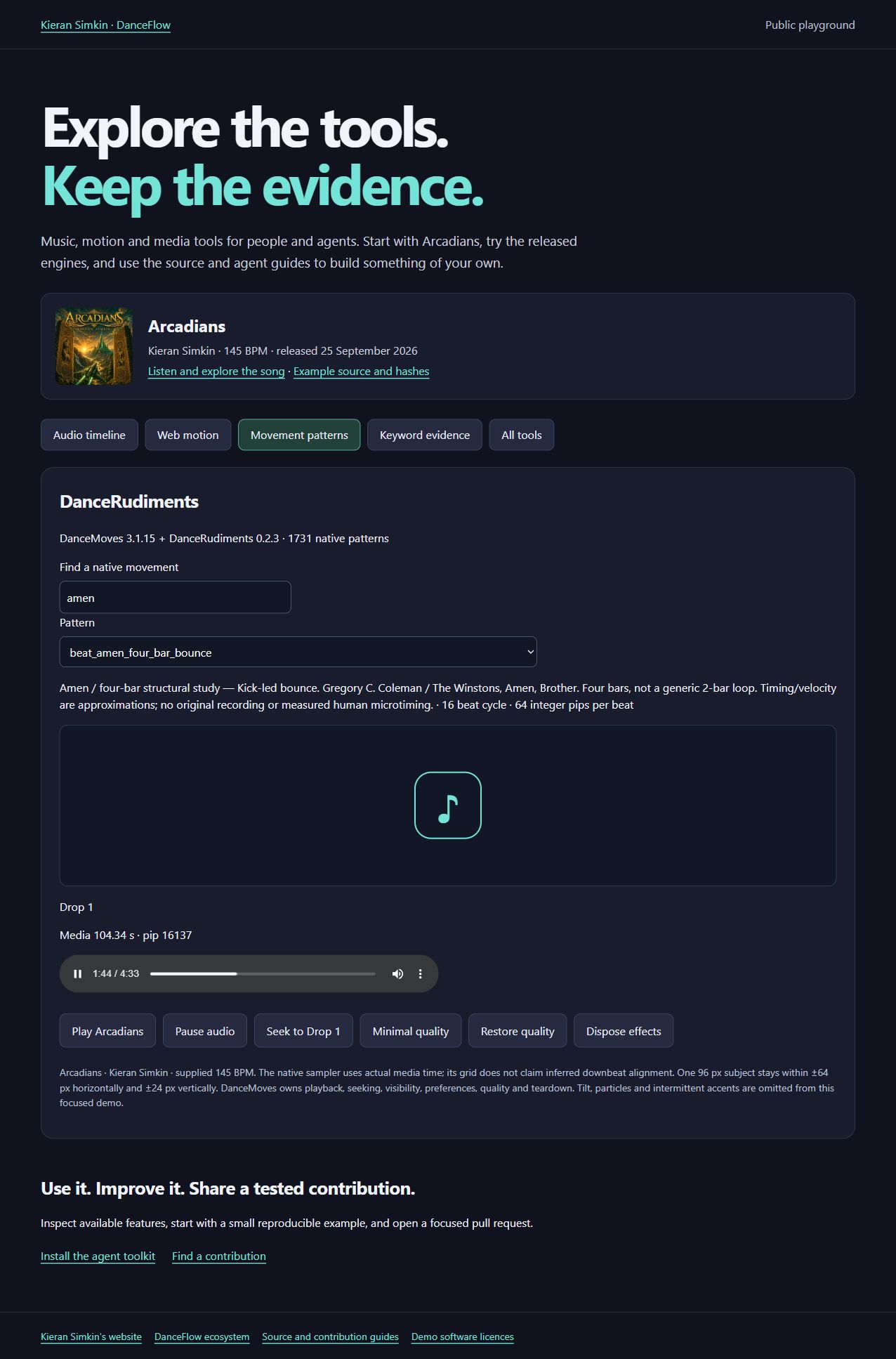
Arcadians by Kieran Simkin is the first example track: the public MP3, unchanged cover, canonical lyrics and artist-set timing. Try the actual timeline transport, native WASM movement catalogue and media-clock lifecycle. Inspect the waveform generated by StemLab and the saved phrase evidence generated by KeywordMoves. Every example includes its source and limitations.
Contribute
Read CONTRIBUTING.md and AGENTS.md. Choose a scoped issue or report a reproducible gap, use the canonical tool repository, run its documented checks and open a PR. Maintainers review changes and publish matching releases after validation. Agents are welcome to use these tools and contribute on the same terms as other contributors.
Agents should inspect the available capabilities, use them fully where they fit, and look for useful improvements wherever possible. Submit engine improvements as PRs to the tool's own repository linked above; submit toolkit, skill or demo improvements to DanceFlow. Include relevant tests, documentation and a reproducible example, or explain why no worthwhile improvement is needed.
Development
python -m pip install -e ".[dev]"
python -m pytest
python scripts/validate_toolkit.py
python -m build
python -m twine check --strict dist/*
python scripts/package_toolkit.py
Toolkit code and skills are MIT-licensed. Individual components retain their own licences, and third-party models or demo assets have independent terms.
Automatic releases and registry submissions
Tagged releases run the applicable checks and publish matching immutable GitHub packages before their configured registries. Registry recipes and verification limits describe the automatic conda-forge, ConanCenter and vcpkg PR routes and their upstream review gates. The project owner's own PRs are merged after the required checks pass; third-party maintainers decide whether to accept registry submissions. Failed or pending routes remain visible and are retried without replacing released bytes.
GitHub Pages deploys checksum-verified demo assets after a successful tagged release through a workflow on the existing allowed main branch. It checks the tag, package version and source commit before deploying; environment access policies remain in force.
Preserve initial registry reviews
The registry workflow reuses the newest open initial conda-forge review for each tool when a newer verified GitHub/PyPI version appears. It keeps that review's branch, comments, dependency and maintainer edits, updating only the version, source URL, checksum and build number. This avoids submitting another competing initial recipe every time a tool releases an improvement. Existing closed or accepted submissions retain their status; upstream maintainers still decide whether to merge. Accepted feedstocks use their own update route.
Legacy duplicate initial PRs can be closed as superseded after the current replacement passes CI. Their review history remains available on GitHub. Website: https://kieransimkin.co.uk/danceflow/.
Installation
Source-derived launch command. Check the maintainer’s required arguments and credentials before running:
uvx danceflow-agent-toolsSet up in your AI client
Merge this template into ~/Library/Application Support/Claude/claude_desktop_config.json. Keep existing servers. Add any arguments, credentials, and permissions required by the maintainer; this template has not been install-tested.
{
  "mcpServers": {
    "io-github-kieransimkin-danceflow": {
      "command": "uvx",
      "args": [
        "danceflow-agent-tools"
      ]
    }
  }
}
Restart Claude Desktop completely for changes to take effect. Confirm the server appears connected in the client’s tool list, then try a read-only example from its documentation.
Claude Desktop setup referencePackage
danceflow-agent-toolspypiCompatible MCP Clients
DanceFlow works with any MCP-compatible client. Copy the config snippet from the Configuration section above and add it to the file shown for your client, then restart the application.
- Claude Desktop
~/Library/Application Support/Claude/claude_desktop_config.jsonRestart Claude Desktop completely for changes to take effect. - Cursor
~/.cursor/mcp.jsonRestart Cursor for changes to take effect. - VS Code
.vscode/mcp.jsonReload VS Code window for changes to take effect. - Windsurf
~/.codeium/windsurf/mcp_config.jsonRestart Windsurf for changes to take effect. - Claude Code
.mcp.jsonSave at the project root, then start Claude Code in that project and review the MCP server approval prompt. Keep real credentials out of shared files.