io.github.Aimino-Tech/office-oxide-mcp
Rust-native MCP server for Office document processing
office-oxide-mcp



Rust-native MCP server for Office document processing (Excel, Word, PowerPoint, PDF).
Sub-millisecond, local-first, open source — the "open source Aspose."
PDFs are a pain. We live in bureaucratic countries where every form asks for your name, address, and date of birth — over and over. Bank applications, tax forms, insurance claims, government permits, rental agreements. Same fields, different PDFs, endless typing.
Stop filling forms by hand. Let office-oxide-mcp do it in milliseconds — whether it's a simple AcroForm, a complex XFA form, or a flat scanned PDF where you need coordinates. Your LLM reads the form, you approve, it fills. Done.
[!TIP] Be with us!
Join our Discord community to ask questions, share ideas, and get help with office-oxide-mcp. Prefer GitHub? Start a discussion or open an issue. Follow @Aimino-Tech on GitHub for more projects.



Quick Start
cargo install office-oxide-mcp
Or download from GitHub Releases.
Claude Desktop
{
  "mcpServers": {
    "office": { "command": "office-oxide-mcp", "args": ["--transport", "stdio"] }
  }
}
Cursor
{
  "mcpServers": {
    "office-oxide-mcp": { "command": "office-oxide-mcp", "args": ["--transport", "stdio"] }
  }
}
VS Code (Copilot)
{
  "servers": {
    "office-oxide-mcp": { "command": "office-oxide-mcp", "args": ["--transport", "stdio"] }
  }
}
Use Cases
Every document below was generated by office-oxide-mcp — click to download.
| # | Format | Use Case | Skill | Preview |
|---|---|---|---|---|
| 1 | XLSX | Profit & Loss Statement | excel.basic | 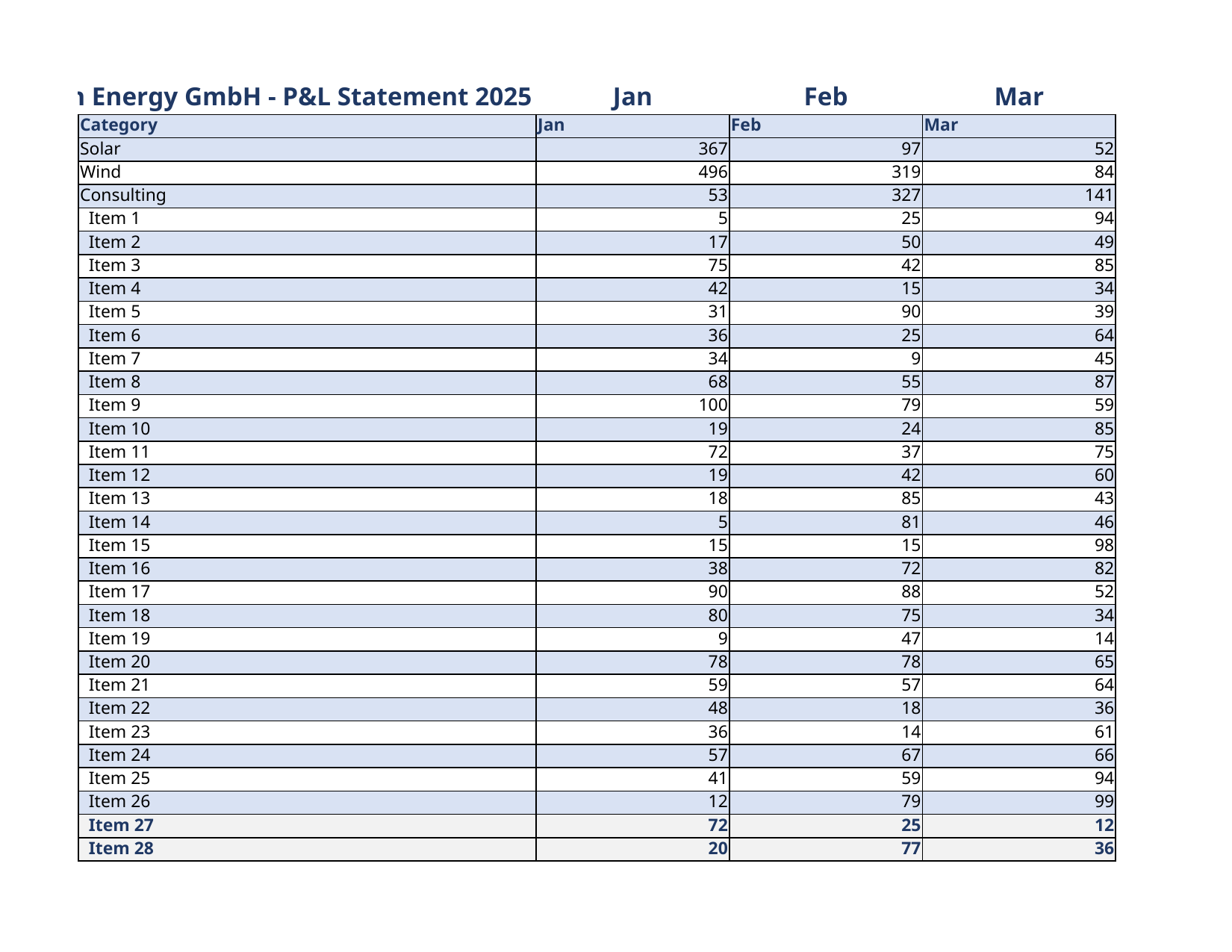 |
| 2 | XLSX | Executive KPI Dashboard | excel.basic | 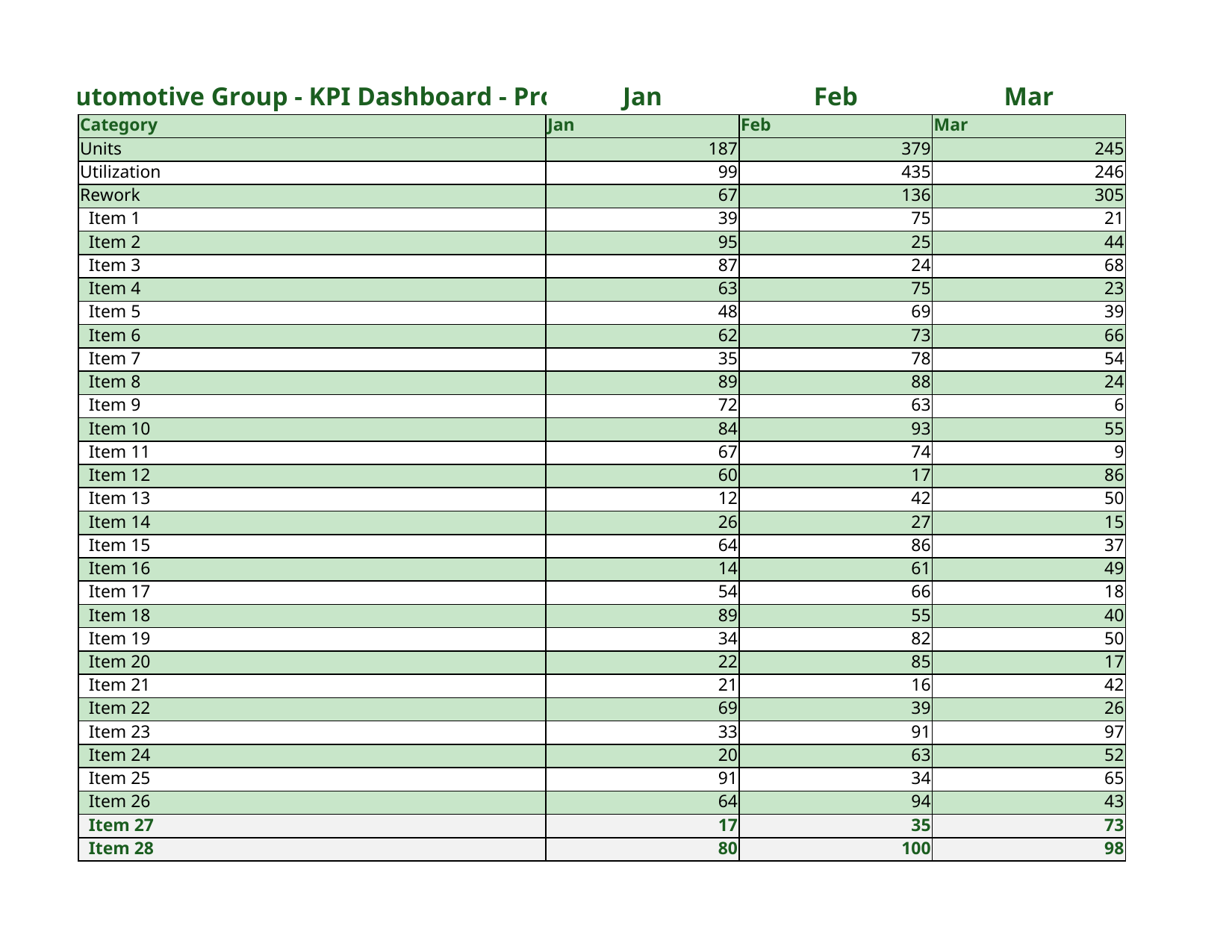 |
| 3 | XLSX | Budget vs Actual Variance | excel.basic | 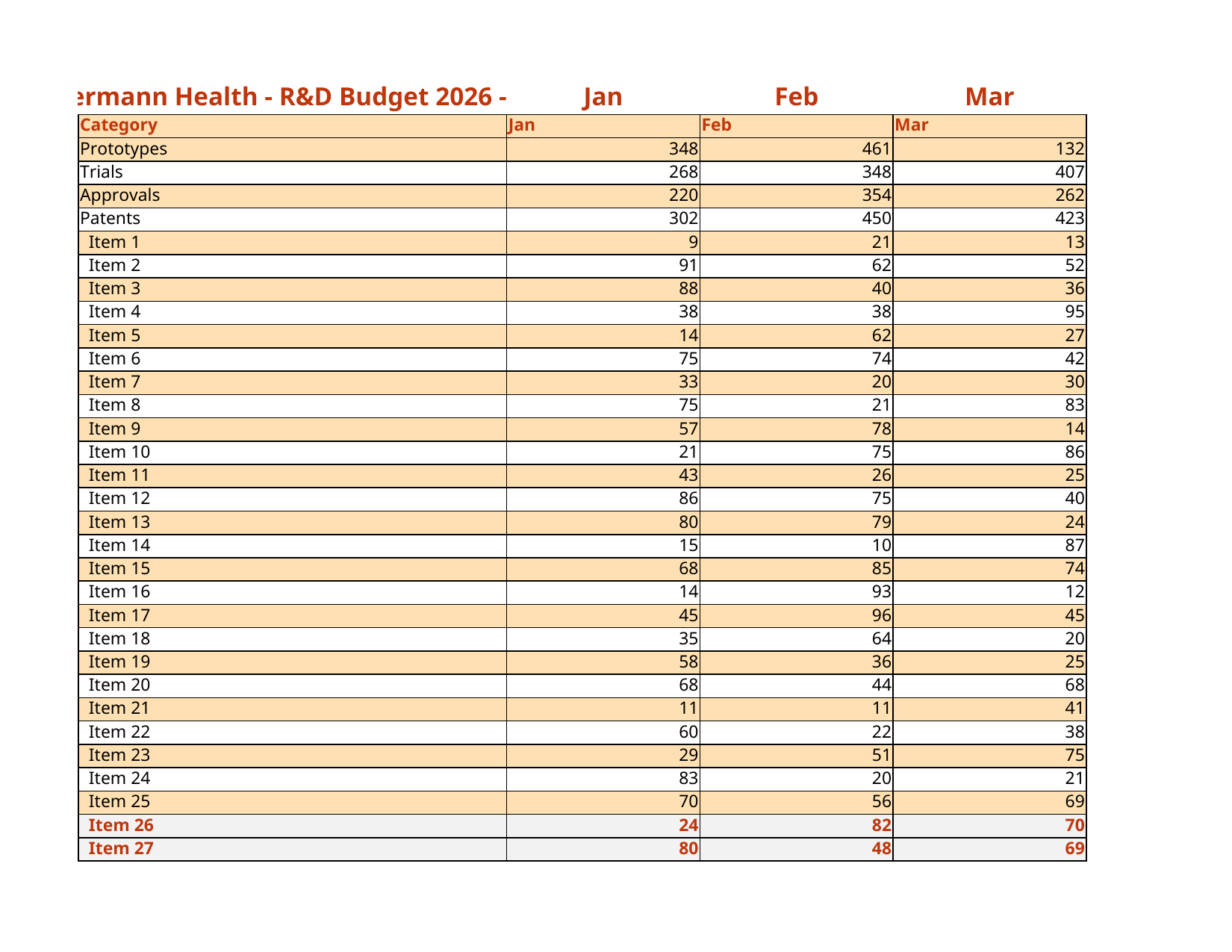 |
| 4 | XLSX | Balance Sheet with Ratios | excel.basic | 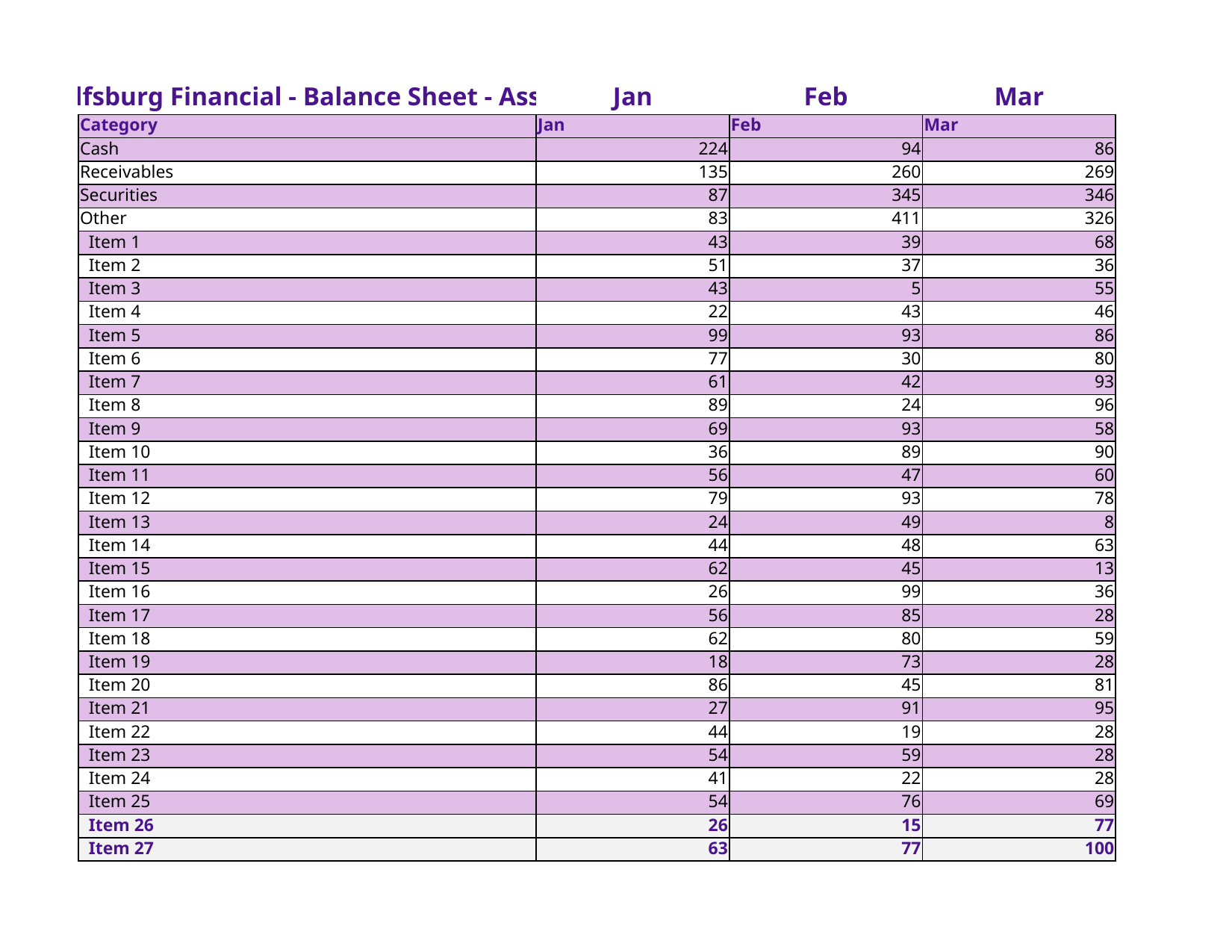 |
| 5 | XLSX | Revenue Forecast | excel.basic | 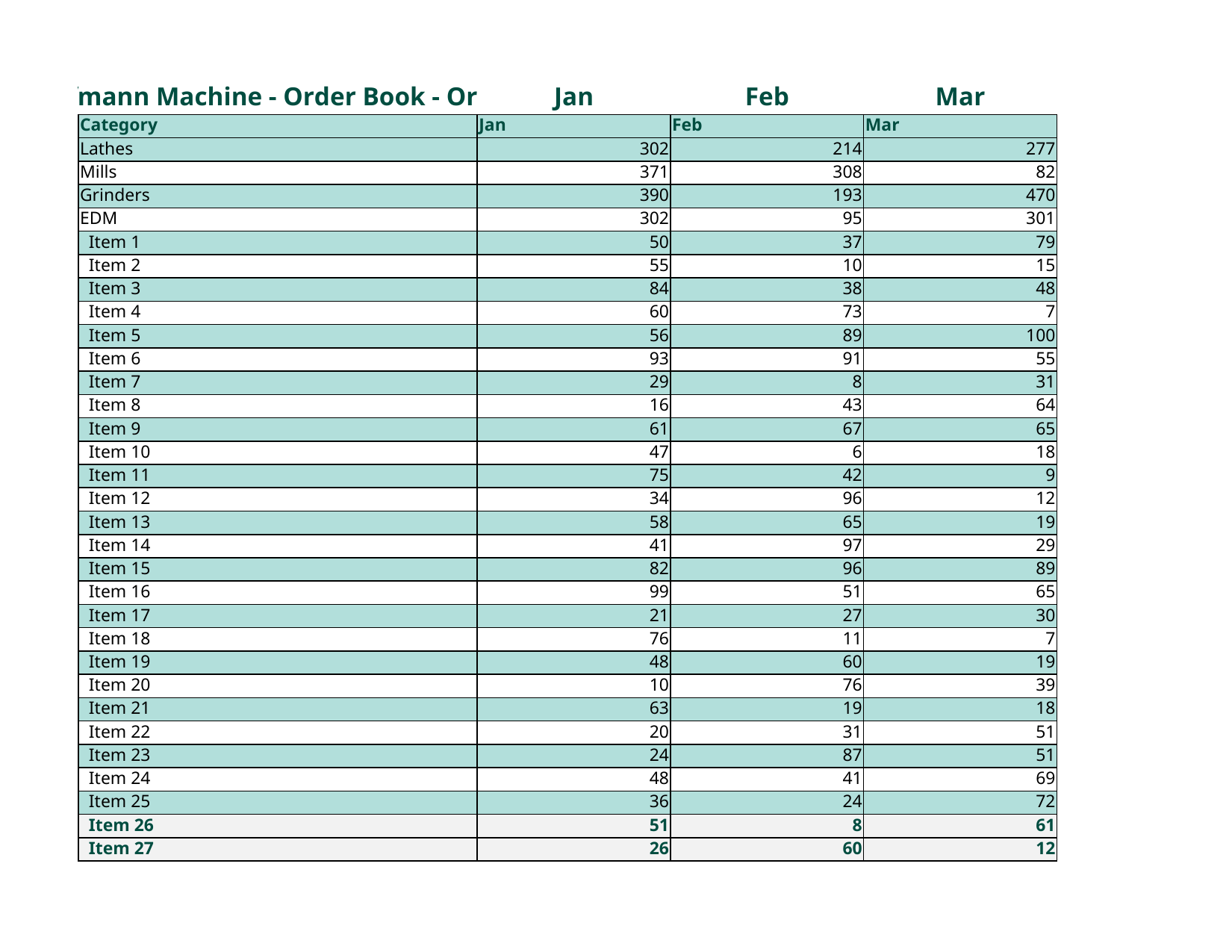 |
| 6 | XLSX | Cost Analysis | excel.basic | 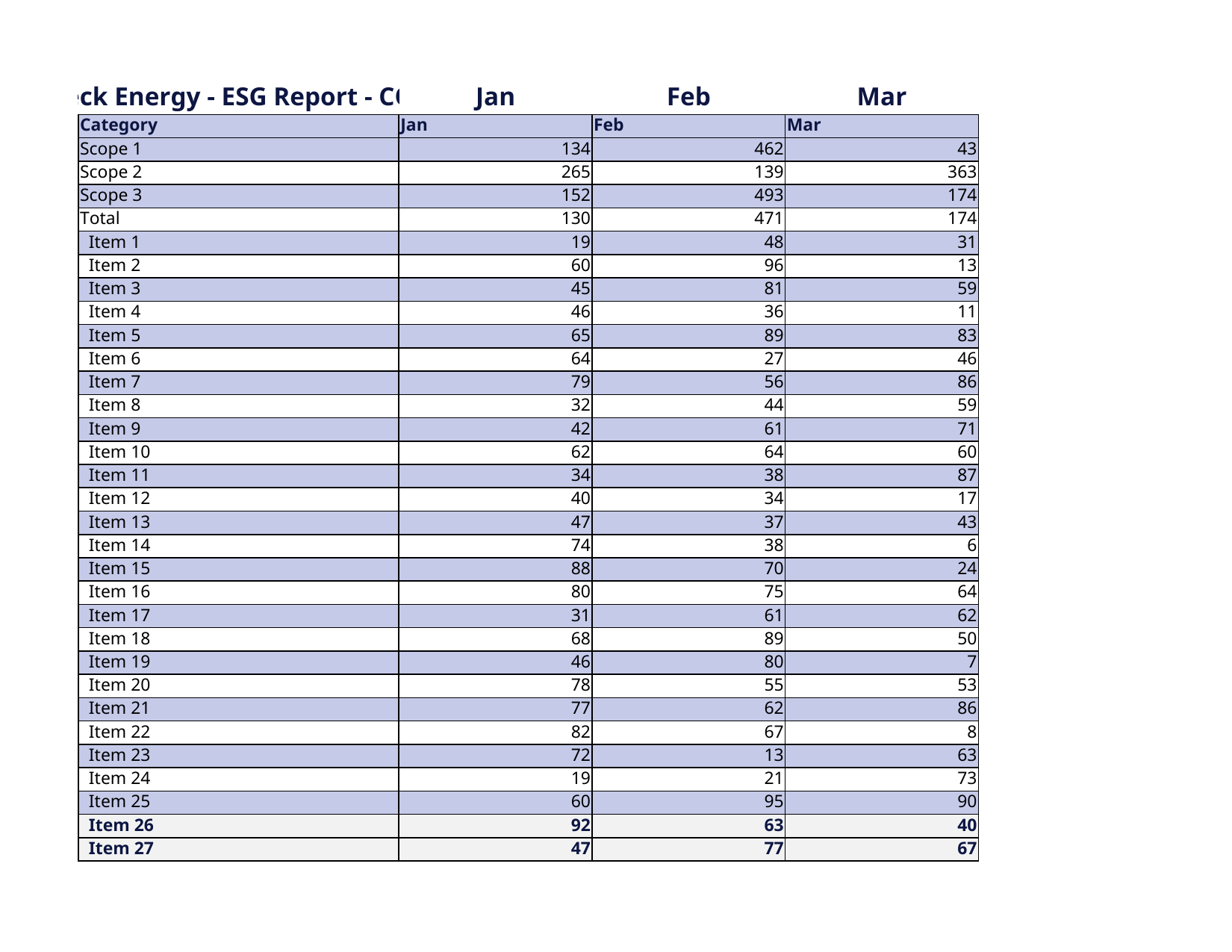 |
| 7 | DOCX | Invoice | word.invoice | 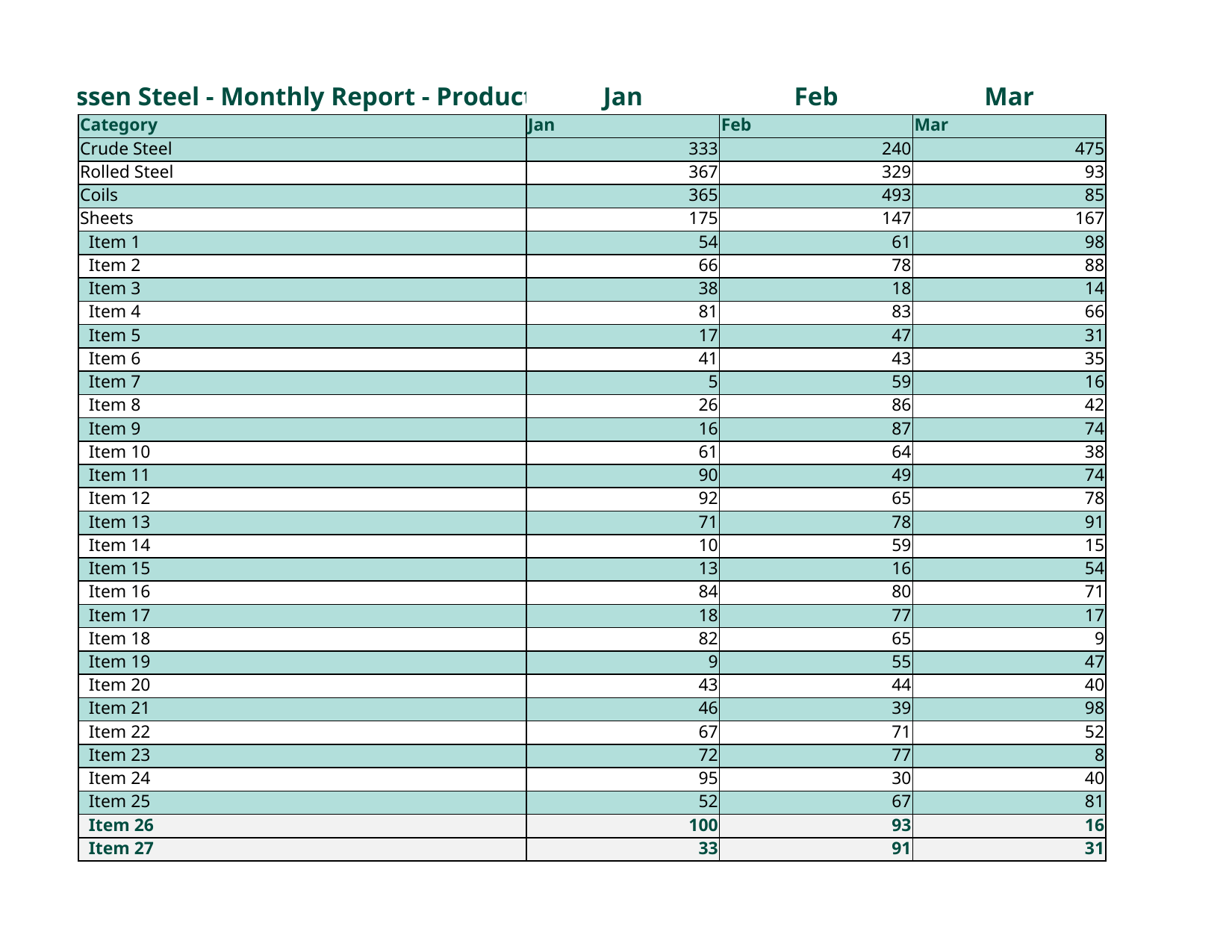 |
| 8 | DOCX | Annual Business Report | word.report | 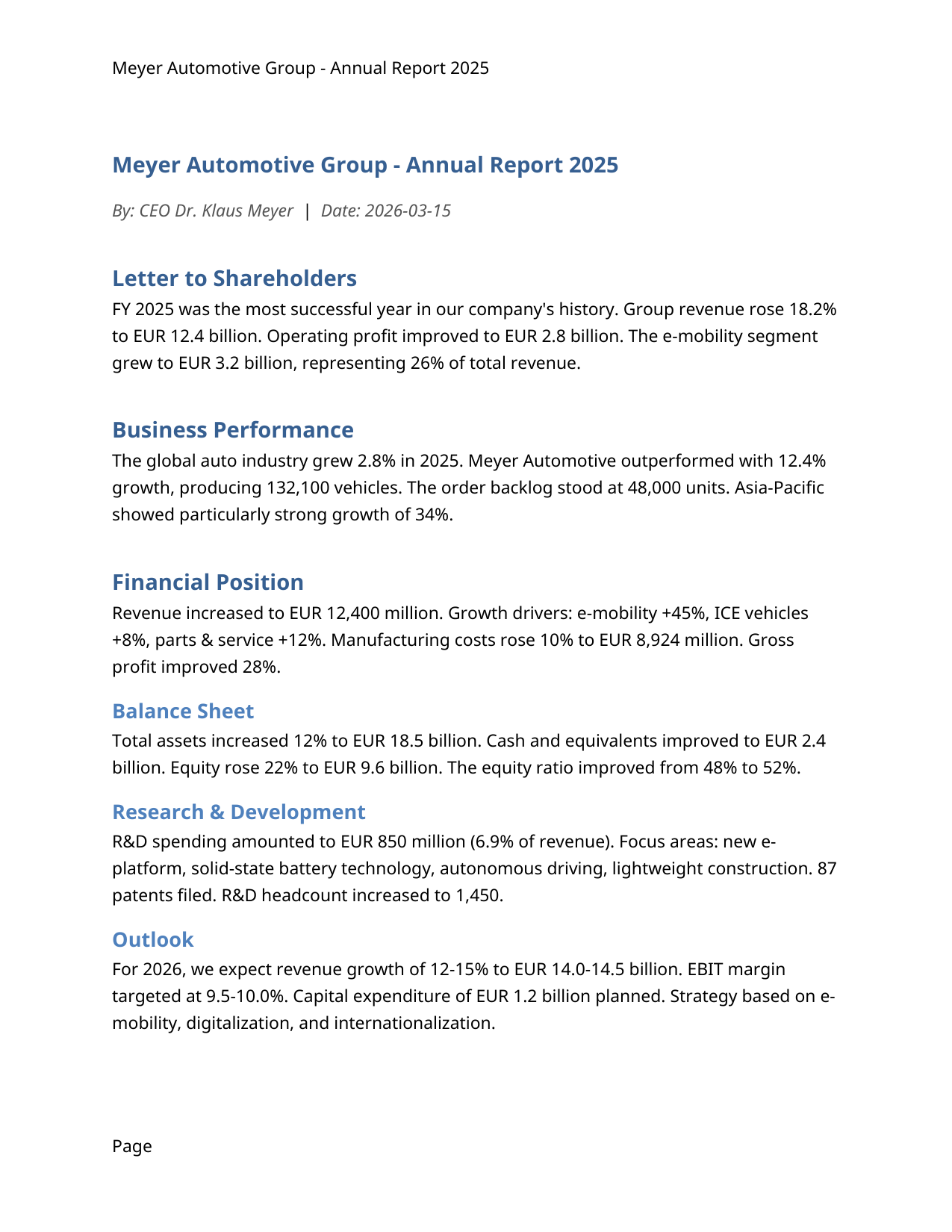 |
| 9 | DOCX | IT Service Agreement | word.report | 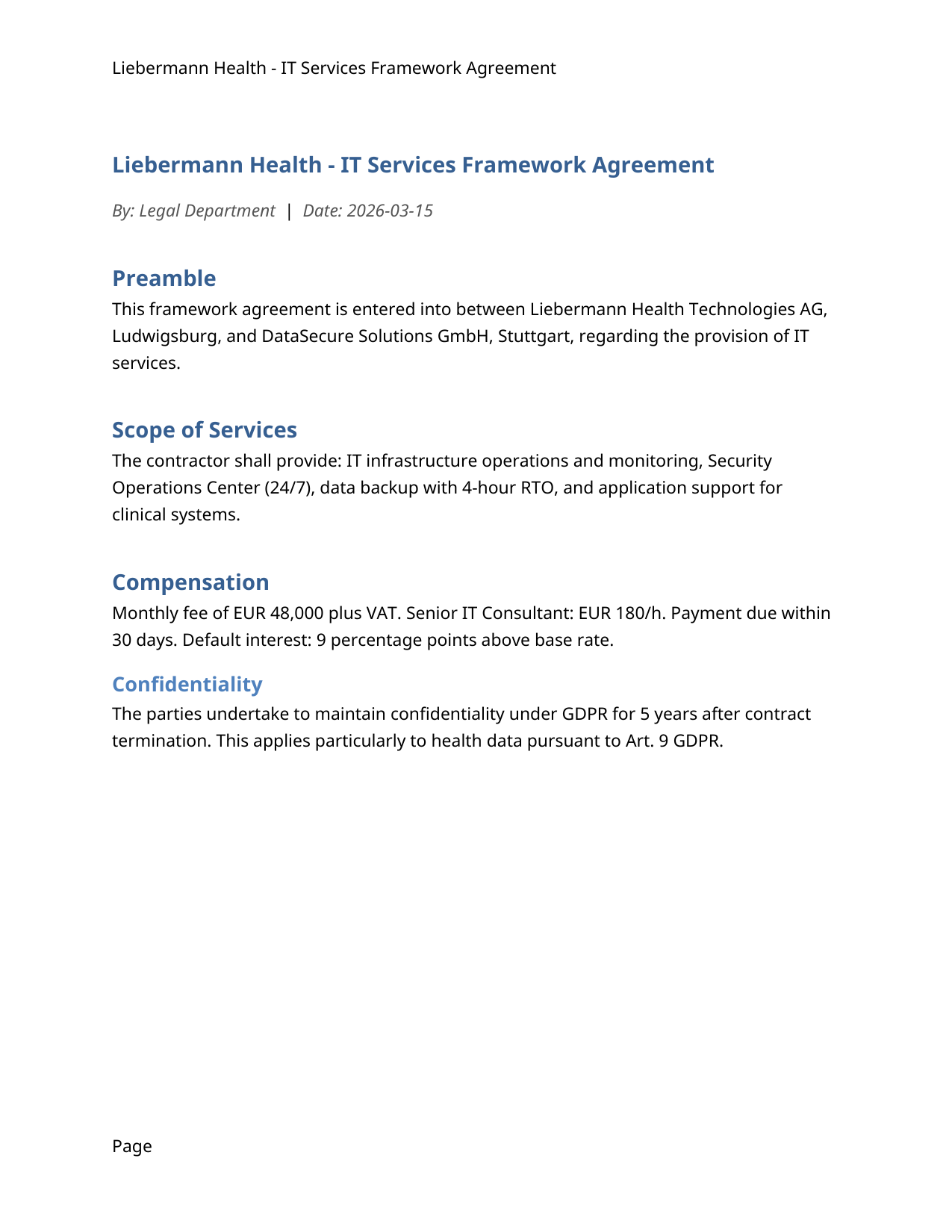 |
| 10 | DOCX | Digital Strategy Report | word.report | 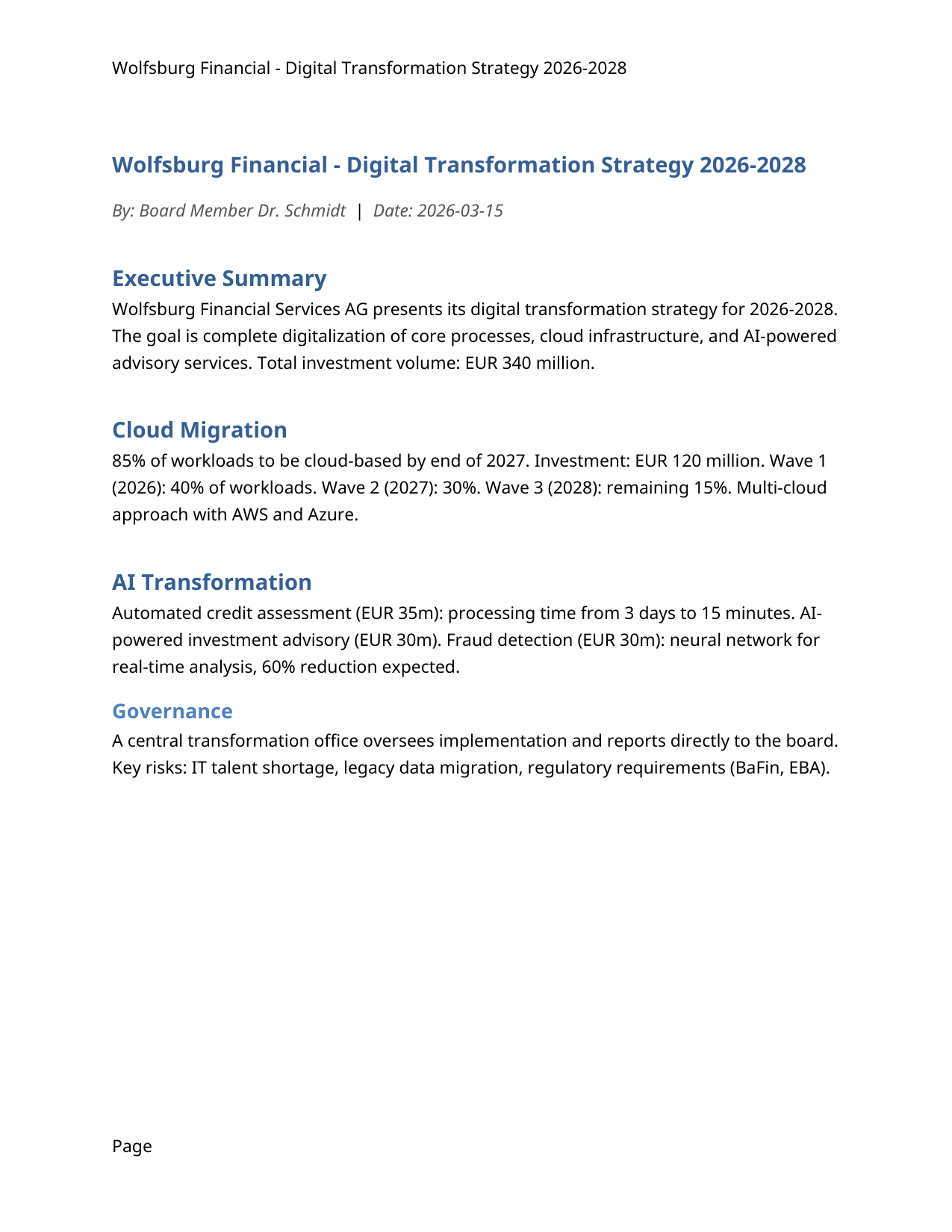 |
| 11 | Financial Report Export | office_export_pdf | 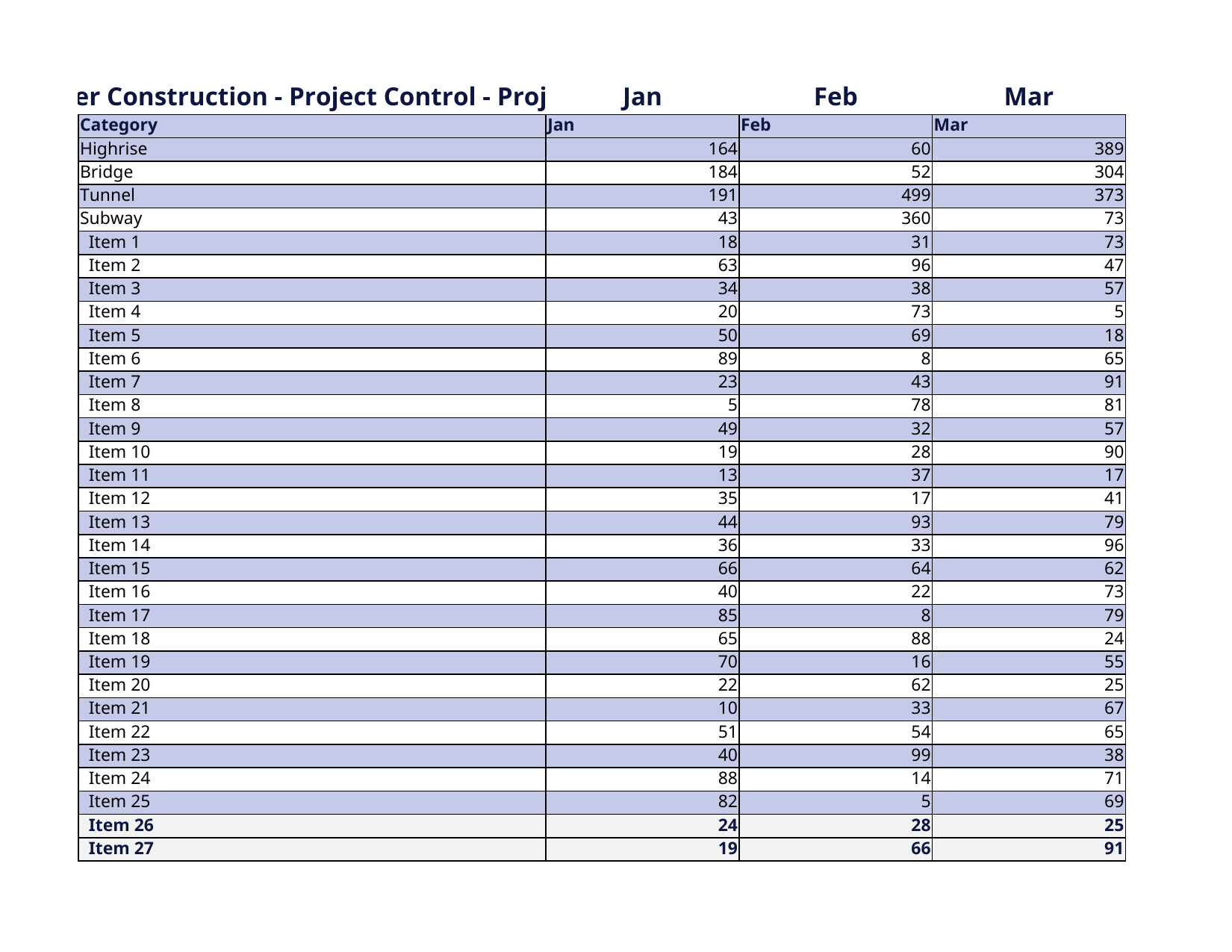 | |
| 12 | PPTX | Strategy Consulting Pitch Deck | ppt.deck |  |
| 13 | PPTX | CFO Quarterly Business Review | ppt.deck | 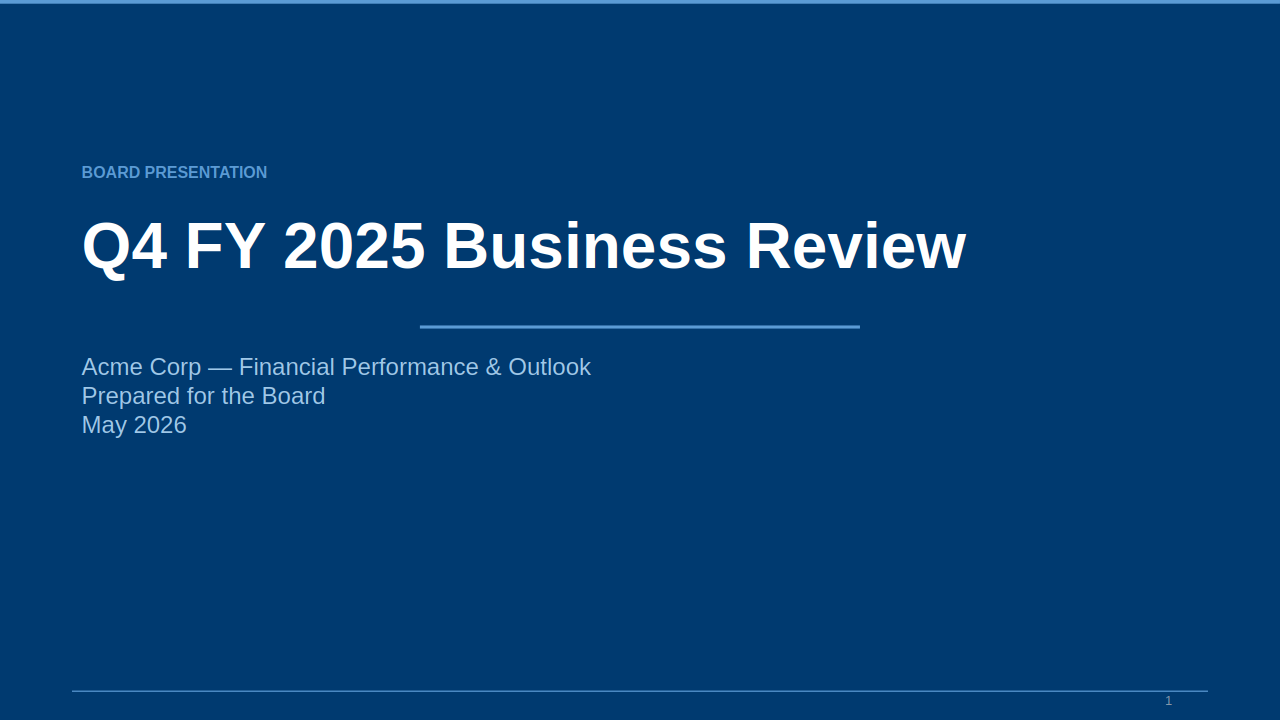 |
| 14 | PPTX | Product Launch Strategy Deck | ppt.deck | 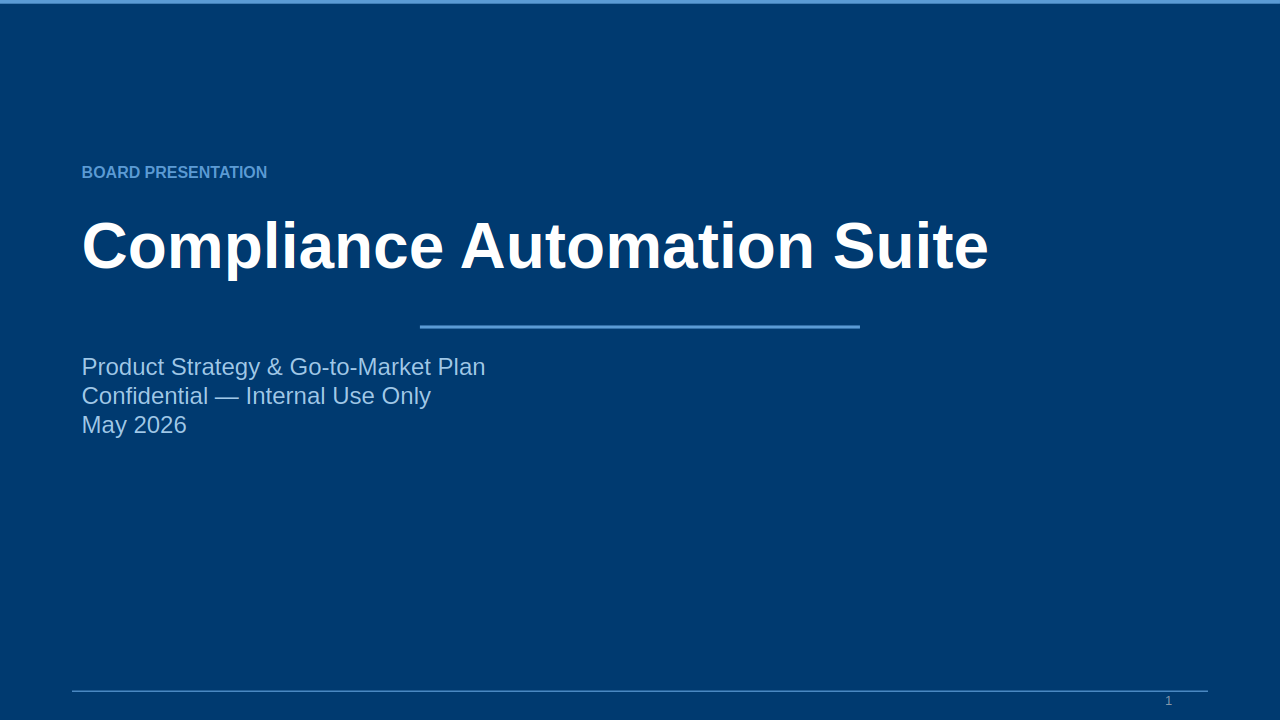 |
| 15 | PPTX | M&A Target Analysis Deck | ppt.deck | 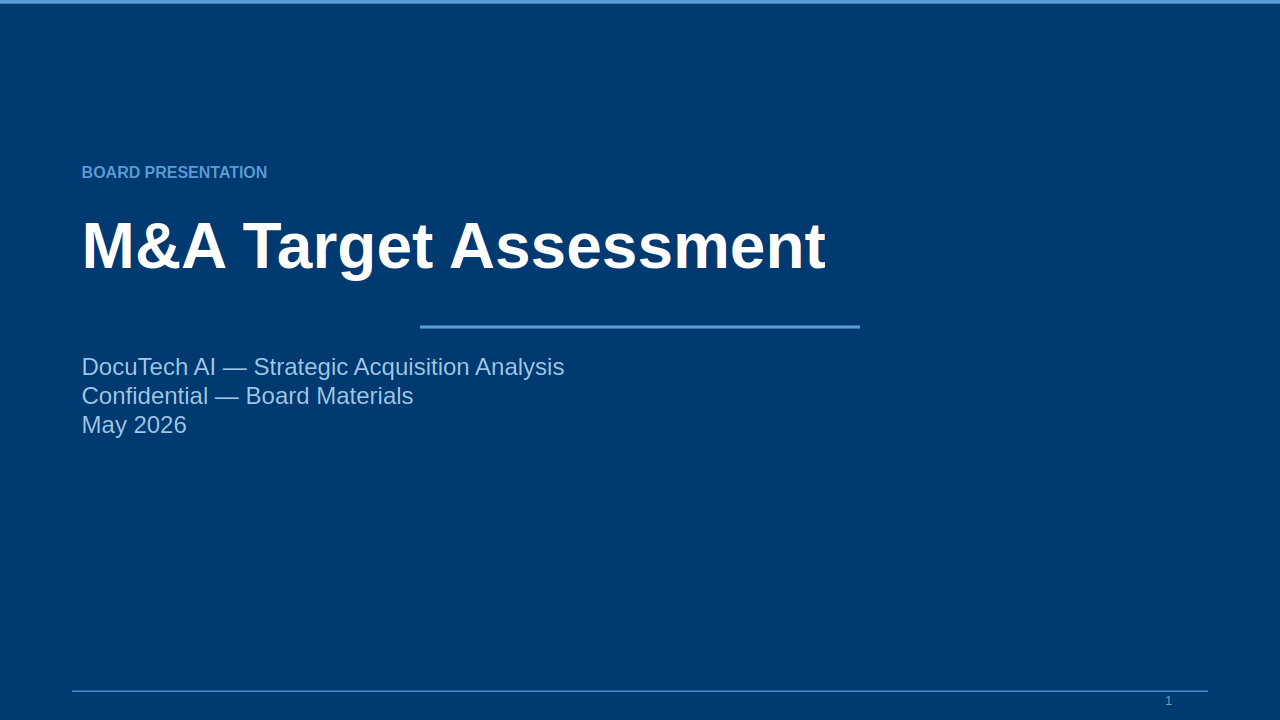 |
| 16 | PPTX | Digital Transformation Roadmap | ppt.deck | 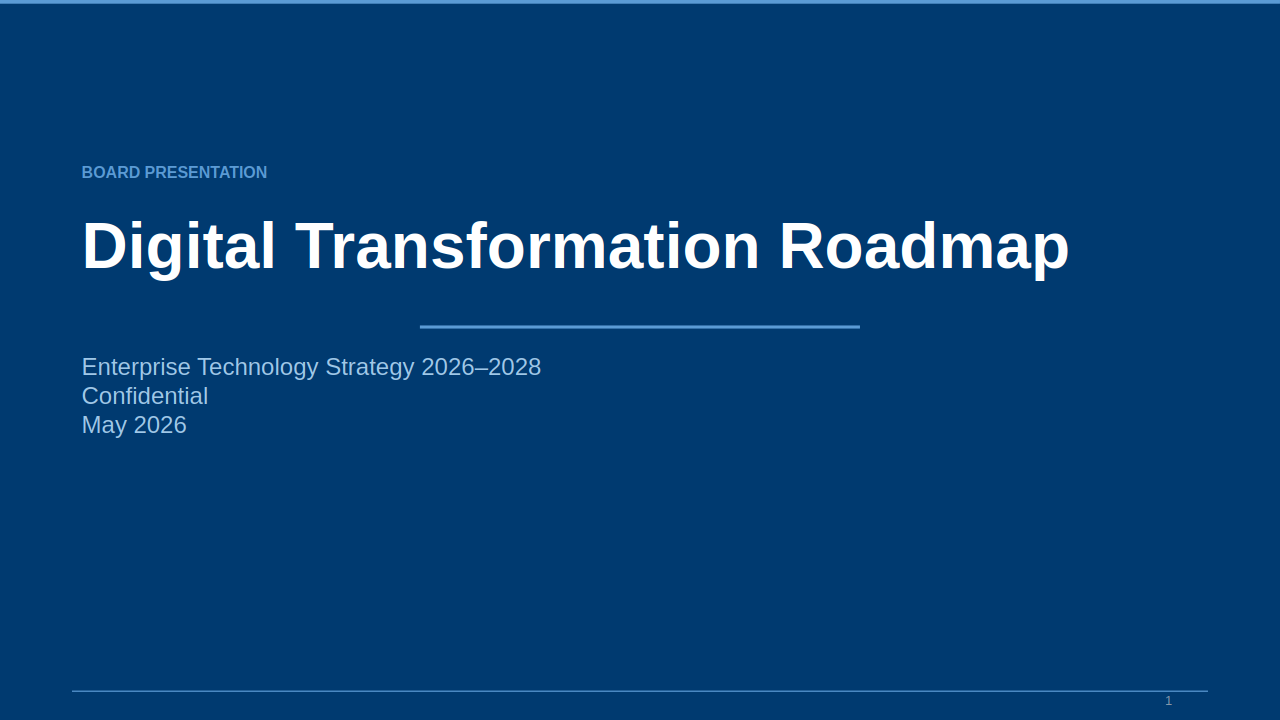 |
Interactive showcase →
showcase/use-cases.htmlwith full prompts, JSON-RPC calls, and details.
Tool Overview
| Tool | Description | Inputs |
|---|---|---|
list_formats | All supported Office formats + capabilities | — |
get_document_info | File metadata (format, size, readability) | file_path |
office_read | Read content → JSON / Markdown / Chunks / Text | file_path, output_format |
office_fill_pdf_form | Fill AcroForm/XFA form fields in a PDF | file_path, output_path, fields |
office_list_pdf_fields | List all form fields in a PDF with values | file_path |
office_overlay_pdf_text | Insert text at coordinates on flat PDFs | file_path, output_path, fields |
office_analyze_pdf_layout | Analyze PDF layout for overlay coordinates | file_path |
increment | Increment counter (demo) | — |
get_value | Get current counter value (demo) | — |
Full Suite
AI Reading: to_md, to_json, to_chunks, excel_schema, coherence_check
Excel Write: office_create_xlsx, office_write_cell, office_write_range, office_format_range, office_create_chart, office_create_pivot, office_add_sheet, office_rename_sheet, office_delete_sheet, office_merge_cells, office_set_column_width, office_apply_conditional_format
Word Write: office_create_docx, office_write_docx_from_md, office_replace_text, office_set_style, office_add_table, office_add_image, office_add_header_footer, office_add_toc, office_add_comment, office_accept_changes
PPT Write: office_create_pptx, office_add_slide, office_set_slide_layout, office_add_text_box, office_add_chart, office_add_image
Skills System: skill_run, skill_list, skill_validate, skill_register
Coherence Engine: office_propagate_edit, office_check_consistency
PDF: office_read (markdown/text/json/chunks), office_fill_pdf_form, office_list_pdf_fields, office_overlay_pdf_text, office_analyze_pdf_layout, office_export_pdf
Architecture
┌────────────────────────────────────────────────────────┐
│                     Tool Layer                          │
│  AI Reading · Excel/Word/PPT · PDF · Skills · Coherence│
├────────────────────────────────────────────────────────┤
│                    Format Engines                       │
│  calamine · rust_xlsxwriter · rdocx · office_oxide     │
│          6 Office formats + PDF (lopdf)                │
├────────────────────────────────────────────────────────┤
│                  ZIP + XML + PDF Layer                  │
│    quick-xml (zero-copy) · zip · zlib-ng (SIMD) · lopdf│
├────────────────────────────────────────────────────────┤
│                 Semantic Layer                          │
│    Entity DAG · BFS propagation · Stale detection      │
└────────────────────────────────────────────────────────┘
Performance Benchmarks
| Operation | Python | office-oxide-mcp | Speedup |
|---|---|---|---|
| 10M cell XLSX read (openpyxl) | 239s | ~25s | ~10× |
| 100K cell XLSX write (openpyxl) | 1.8s | 152ms | ~12× |
| DOCX read mean (6K docs) | 11.8ms | 0.8ms | ~14× |
| PPTX read mean (323 slides) | 32.5ms | 0.7ms | ~46× |
| MCP tool call (FastMCP) | 3ms | 0.38ms | ~6× |
| Cold start | 1-5s | <50ms | ~100× |
| Memory (idle) | 42.7MB | <2MB | ~20× |
Build
cargo build                           # Debug
cargo build --release                 # Release
cargo clippy                          # Lint
cargo doc --open                      # Docs
Contributing
See CONTRIBUTING.md. All contributions welcome.
License
MIT OR Apache-2.0 — see LICENSE.
Installation
Source-derived launch command. Check the maintainer’s required arguments and credentials before running:
npx -y @aimino/opendocswork-mcpSet up in your AI client
Merge this template into ~/Library/Application Support/Claude/claude_desktop_config.json. Keep existing servers. Add any arguments, credentials, and permissions required by the maintainer; this template has not been install-tested.
{
  "mcpServers": {
    "io-github-aimino-tech-office-oxide-mcp": {
      "command": "npx",
      "args": [
        "-y",
        "@aimino/opendocswork-mcp"
      ]
    }
  }
}
Restart Claude Desktop completely for changes to take effect. Confirm the server appears connected in the client’s tool list, then try a read-only example from its documentation.
Claude Desktop setup referencePackage
@aimino/opendocswork-mcpnpmCompatible MCP Clients
io.github.Aimino-Tech/office-oxide-mcp works with any MCP-compatible client. Copy the config snippet from the Configuration section above and add it to the file shown for your client, then restart the application.
- Claude Desktop
~/Library/Application Support/Claude/claude_desktop_config.jsonRestart Claude Desktop completely for changes to take effect. - Cursor
~/.cursor/mcp.jsonRestart Cursor for changes to take effect. - VS Code
.vscode/mcp.jsonReload VS Code window for changes to take effect. - Windsurf
~/.codeium/windsurf/mcp_config.jsonRestart Windsurf for changes to take effect. - Claude Code
.mcp.jsonSave at the project root, then start Claude Code in that project and review the MCP server approval prompt. Keep real credentials out of shared files.