Altscan explorers
Keyless, read-only BNB Chain and Ethereum data: transactions by hash, tokens with a lookalike check
What is this?
Altscan is an open-source, multi-chain block explorer platform. One codebase powers two independent explorers today — BNBScan (bnbscan.com, BNB Chain) and EthScan (ethscan.io, Ethereum) — and is designed to extend to more chains over time. They are fully independent from BscScan, Etherscan, Binance, or the Ethereum Foundation, providing a clean, fast interface for exploring blocks, transactions, addresses, tokens, and on-chain activity.
A single CHAIN environment variable selects which chain a deployment serves — same frontend, same indexer, same schema.
Screenshots
| EthScan homepage, dark mode | Block |
|---|---|
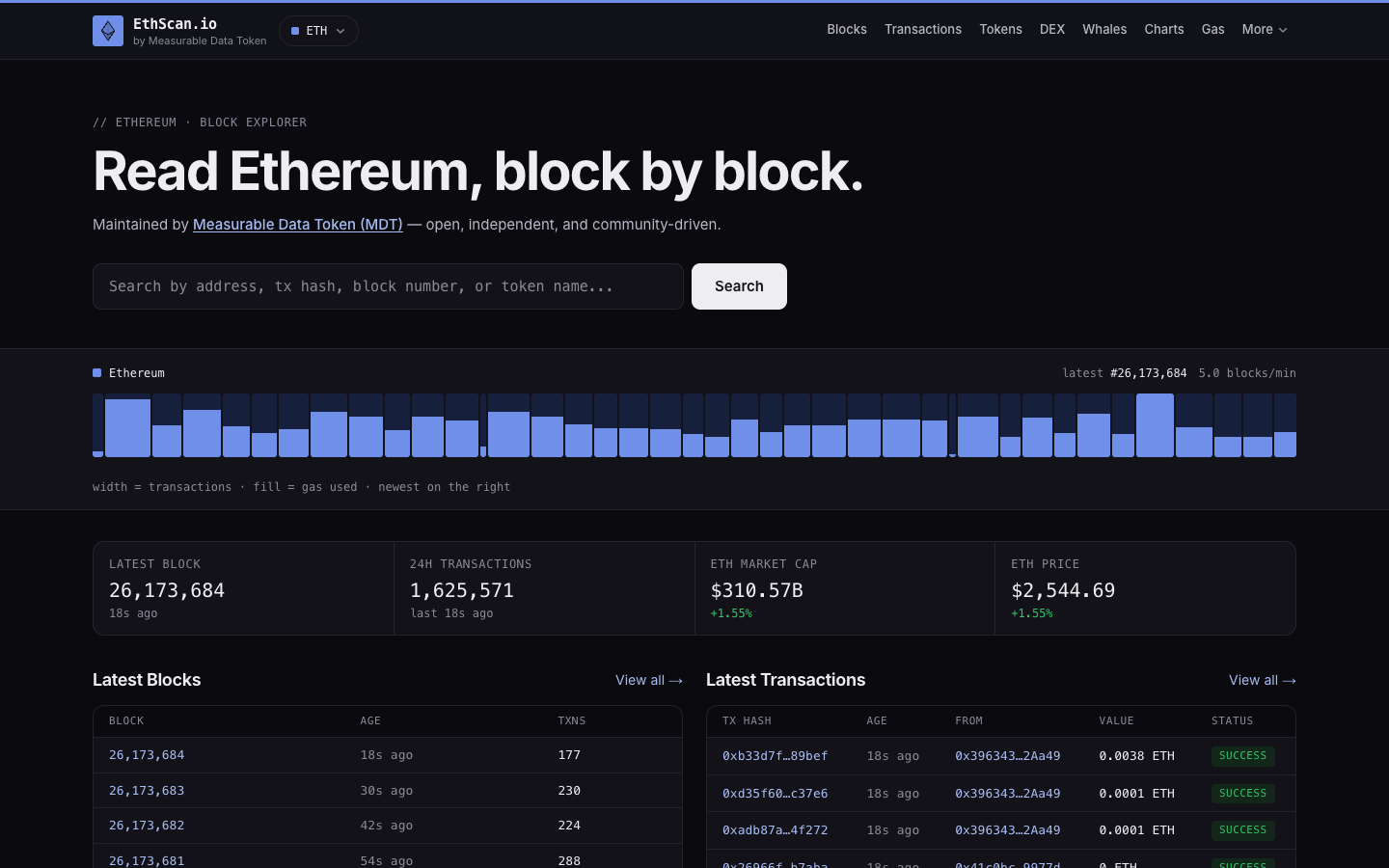 | 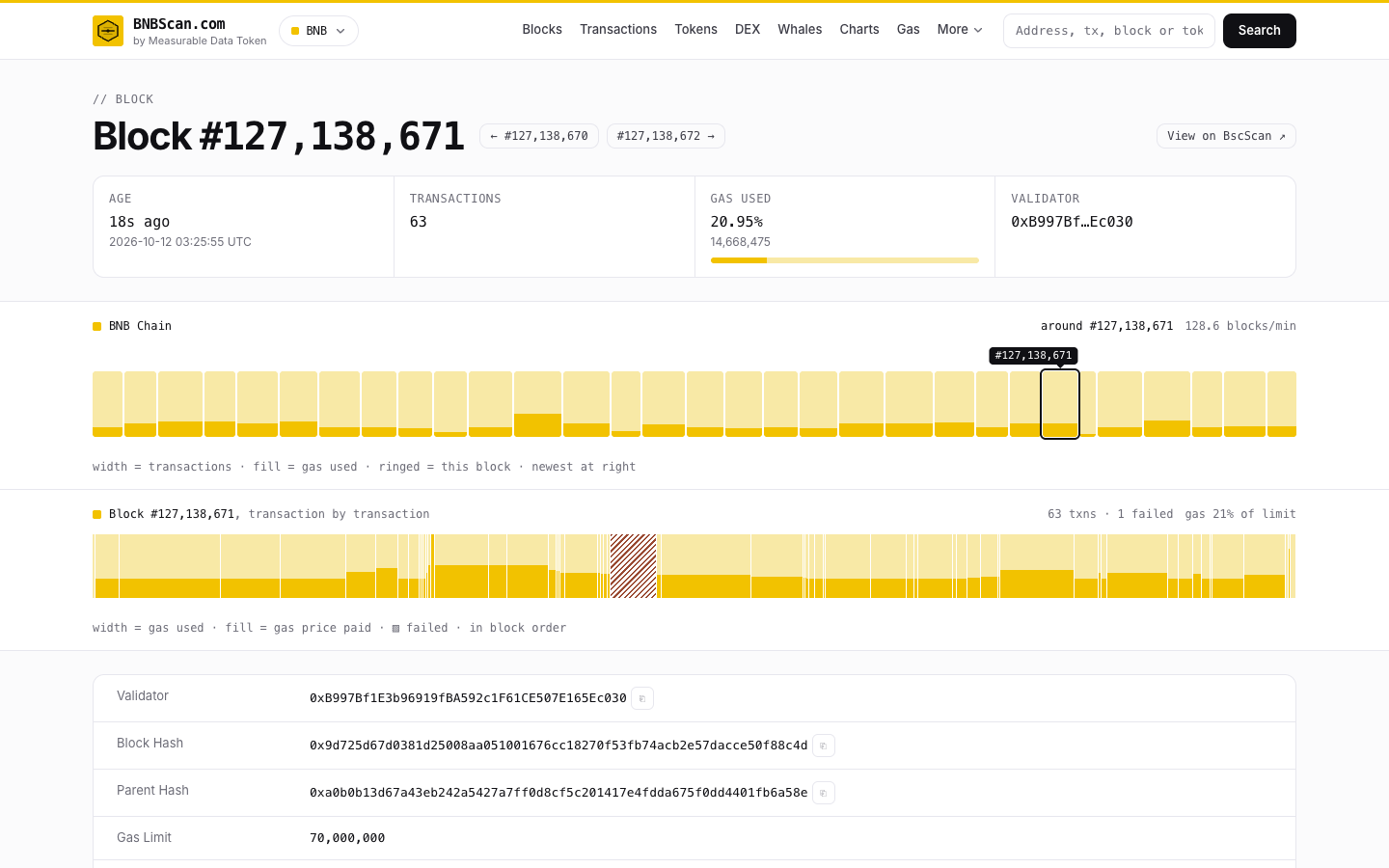 |
| Transaction | Address |
|---|---|
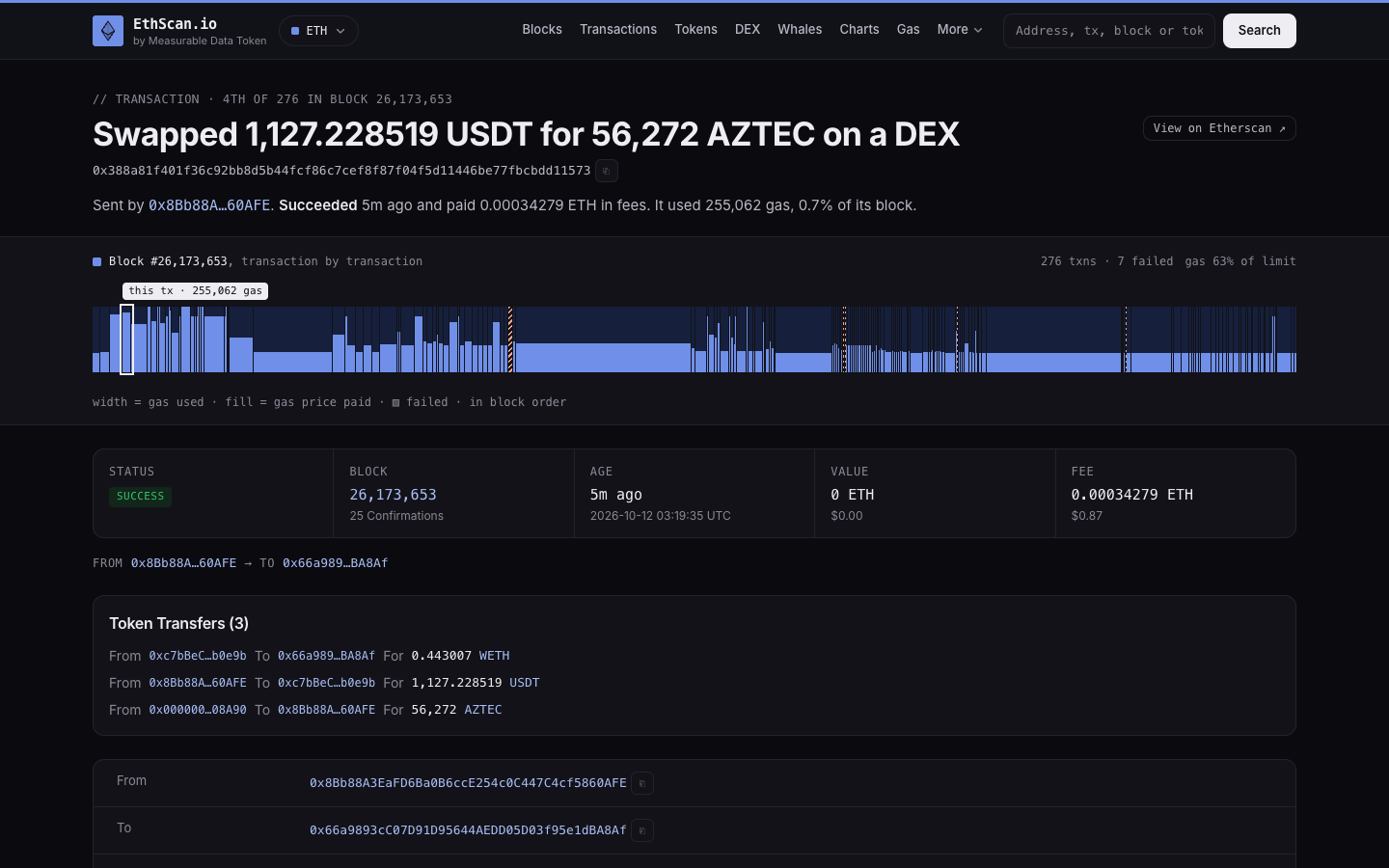 | 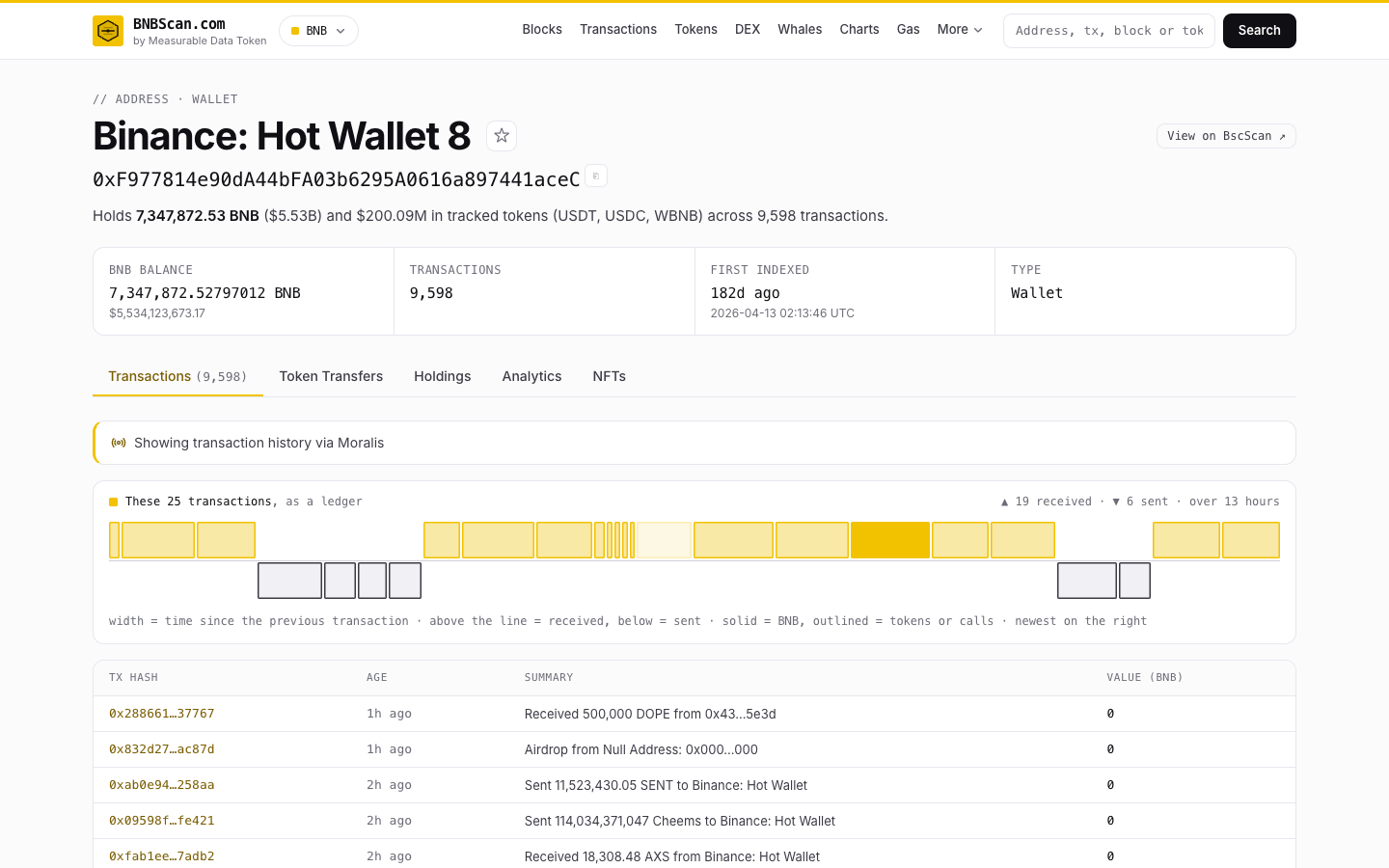 |
| Token | Status page |
|---|---|
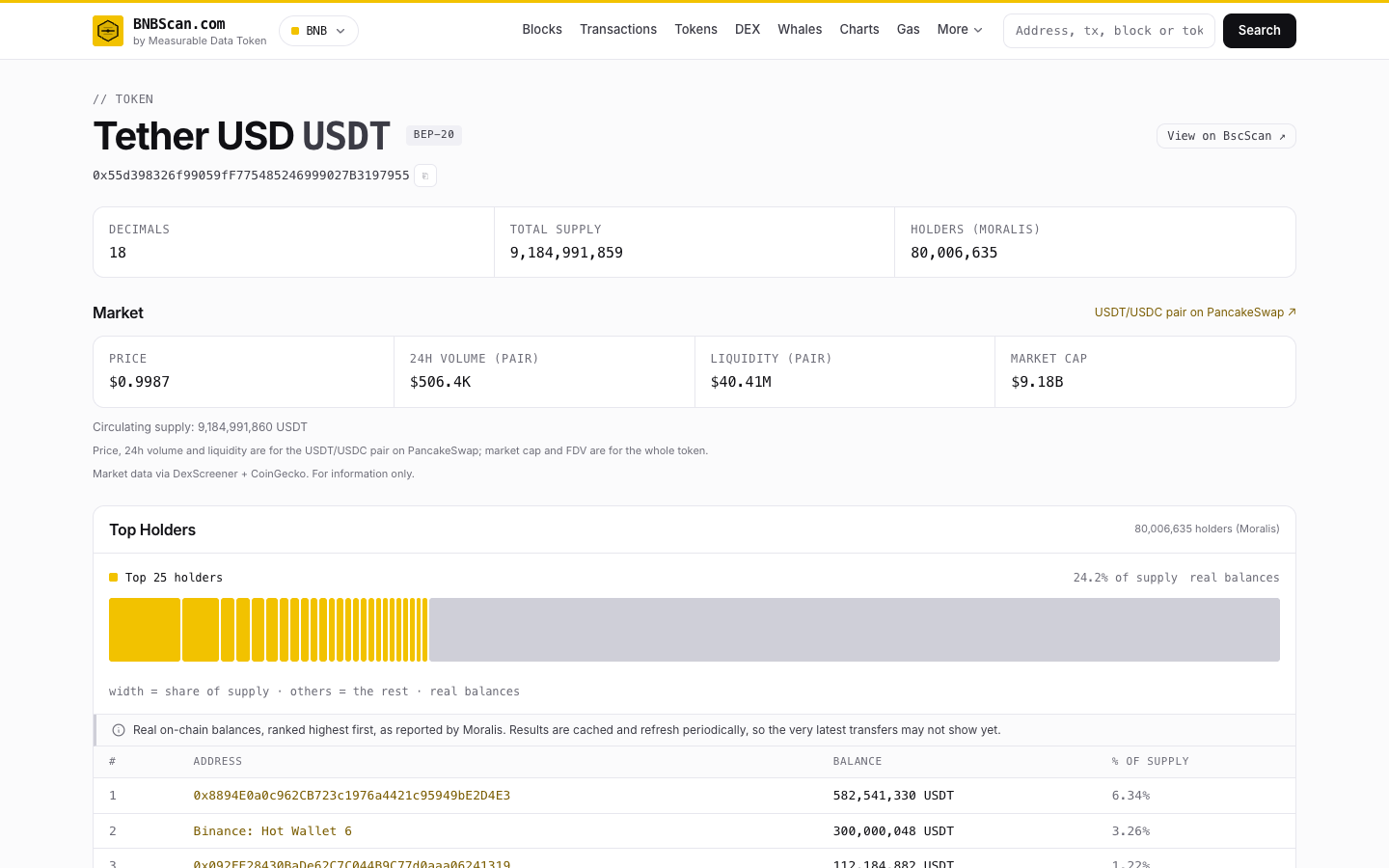 | 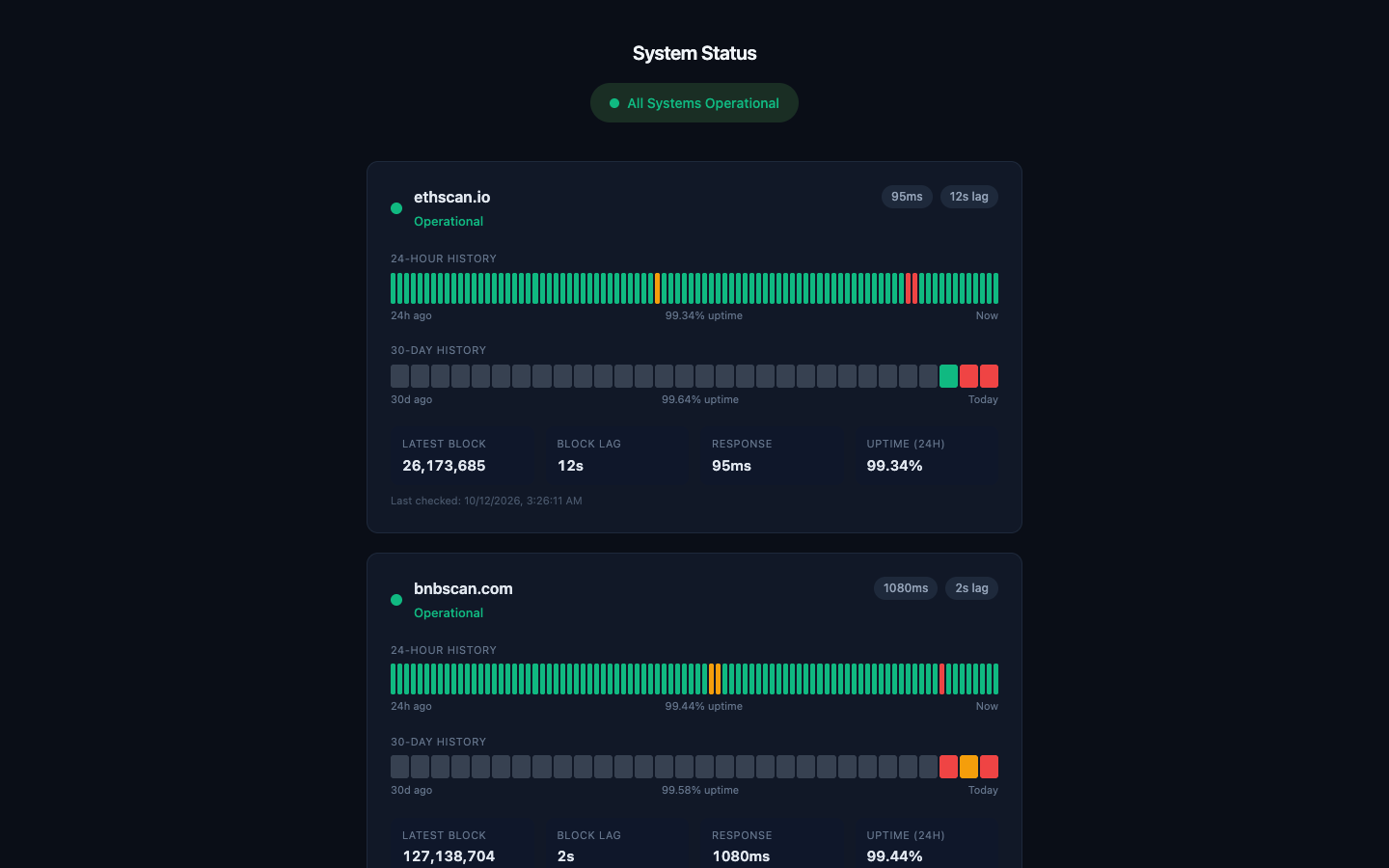 |
Captured from production on 12 October 2026, with the sponsored slots switched off.
Features
Exploration
- Block tape — the latest blocks drawn as a live strip (width = transactions, fill = gas used), on the homepage and through the block, transaction, address and analytics pages
- Blocks — the latest blocks with validator, gas, and transaction counts; each block page lists its transactions
- Transactions — a one-line summary of what happened, the fee breakdown, logs, and token and NFT transfers; internal transactions when a trace endpoint is configured (off by default)
- Addresses — balance and tracked-token holdings, transaction history drawn as a ledger, token transfers, and NFTs
- Tokens — ERC-20 / BEP-20 pages with market data, holders, and transfers; lookalike (homoglyph) tokens are labelled
- Search — addresses, transaction hashes, block numbers, and token names or symbols
Analytics
- DEX Trades — Uniswap-V2-style swaps (PancakeSwap V2 on BNB Chain, Uniswap V2 on Ethereum); V3-style pools are not indexed
- Whale Tracker — the largest native, wrapped and stablecoin transfers in the last hour, the last day, or the whole retained window
- Gas Tracker — slow, standard and fast prices from the percentiles of recent blocks
- Network Charts — transaction count, blocks produced, and (on Ethereum) average base fee; hourly until the index holds three full days
- Validators (BNB Chain) — the validator set with voting power, commission, and blocks produced in the last 24 hours
Developer Tools
- REST API — a v1 query API, optional API keys minted by signing a message with your wallet, and webhooks
- CSV Export — the latest 1,000 locally indexed transactions for an address
- Contract status — shows whether a contract is verified on Sourcify; verify new source at sourcify.dev
Also
- Dark mode that follows the system setting, and layouts built for phones
- Watchlist — save addresses in your browser (no account, nothing leaves the device)
- Network switcher — links to the sister explorer on the other chain
- Status page — status.altscan.io tracks uptime, block lag, and response time for the hosted explorers
Architecture
altscan/
├── apps/
│   ├── explorer/         Unified Next.js 15 frontend + API routes
│   │                     CHAIN=bnb → bnbscan.com
│   │                     CHAIN=eth → ethscan.io
│   ├── indexer/          Unified block indexer (direct polling loop)
│   │                     CHAIN=bnb → indexes BNB Chain
│   │                     CHAIN=eth → indexes Ethereum
│   ├── status/           Hono status page for the hosted explorers
│   │                     Polls /api/health on bnbscan.com and ethscan.io
│   ├── altscan-site/     altscan.io umbrella site (Astro on Cloudflare Workers)
│   └── admin/            Operator console behind Cloudflare Access (Astro on Cloudflare Workers)
├── packages/
│   ├── chain-config/     getChainConfig() — chain-specific config
│   ├── db/               Drizzle ORM schema + Postgres client
│   ├── explorer-core/    Shared utils (rate limiting, formatting, Redis cache)
│   ├── providers/        Third-party data adapters (Moralis) and their spend budgets
│   ├── settings-schema/  Runtime settings shared by the explorer and the admin console
│   └── types/            Shared TypeScript types
├── render.yaml           Render blueprint for the hosted explorers
├── docker-compose.yml    Self-host stack: Postgres, Redis, indexer, explorer
├── turbo.json            Turborepo pipeline config
└── pnpm-workspace.yaml
Tech Stack
| Layer | Technology |
|---|---|
| Frontend | Next.js 15 (App Router), React 19, Tailwind CSS 3 |
| Backend | Next.js API routes, Hono (status page) |
| Database | PostgreSQL (via Drizzle ORM) |
| Indexer | ethers.js, JSON-RPC (direct polling loop, no job queue) |
| Cache | Redis (rate limiting, caching, Moralis CU ledger) |
| Edge sites | Astro on Cloudflare Workers (altscan.io, admin console) |
| Monorepo | pnpm + Turborepo |
| Hosting | Render.com (web services + workers + Postgres + Redis) |
How It Works
- Indexer connects to a chain's JSON-RPC endpoint, polls for new blocks, and writes block/transaction/token data to Postgres via Drizzle ORM.
- Explorer serves the Next.js frontend with ISR (Incremental Static Regeneration) — each page revalidates on its own schedule, from 45 seconds to five minutes, for fresh data without server pressure. Pages that depend on the request, such as search, render per request.
- Chain Config package centralizes all chain-specific differences (block time, currency, theme colors, RPC URLs, feature flags) so the same code runs both chains.
- Status Page independently monitors the two hosted explorers by polling their
/api/healthendpoints every 30 seconds, tracking uptime, block lag, and response time over 24 hours and 30 days. Its targets are fixed inapps/status/src/server.ts, and it is not part of the Docker stack or the Render blueprint.
Getting Started
Run your own explorer (Docker)
git clone https://github.com/heathermhuang/altscan.git
cd altscan
cp .env.docker.example .env
docker compose up -d
Open http://localhost:3000. That's Postgres, Redis, the indexer, and the explorer —
no configuration required to start, and the indexer creates its own schema on first
boot. Set CHAIN=eth in .env and re-run with --build for Ethereum.
Full guide, including Render deployment, retention tuning, and limitations: docs/SELF_HOSTING.md.
Develop locally (without Docker)
Prerequisites
- Node.js 22 — what CI and the Docker images run
- pnpm 10 — pinned in
package.json;corepack enablepicks up the exact version - PostgreSQL 16
- Redis 7 — optional: without
REDIS_URL, rate limits and caches fall back to per-process memory
Installation
# Clone the repo
git clone https://github.com/heathermhuang/altscan.git
cd altscan

# Install dependencies
pnpm install

# Start Postgres from the Docker stack (localhost:5432; user, password and database all "altscan")
docker compose up -d postgres

# Set up the explorer environment (defaults match the local Docker Postgres)
cp apps/explorer/.env.example apps/explorer/.env.local

# Start the BNB explorer
CHAIN=bnb NEXT_PUBLIC_CHAIN=bnb pnpm --filter @altscan/explorer dev
The BNB explorer will be available at http://localhost:3000. The indexer creates the
database schema on its first boot, so run it once (below) before expecting data; the
explorer alone, against an empty database, has no tables to read. pnpm dev starts every
app at once through Turborepo: the explorer, the indexer, the status page, and both
Astro sites.
Running a specific chain
# BNB Chain explorer only
CHAIN=bnb NEXT_PUBLIC_CHAIN=bnb pnpm --filter @altscan/explorer dev

# Ethereum explorer only
CHAIN=eth NEXT_PUBLIC_CHAIN=eth pnpm --filter @altscan/explorer dev -p 3001

# BNB indexer only — build the packages it imports first (see below)
pnpm --filter @altscan/db build && pnpm --filter @altscan/chain-config build && pnpm --filter @altscan/explorer-core build && pnpm --filter @altscan/providers build
CHAIN=bnb pnpm --filter @altscan/indexer dev

# Status page only (monitors the hosted sites)
pnpm --filter @altscan/status dev
CHAIN drives the server; NEXT_PUBLIC_CHAIN is inlined into the client bundle, so set
both to the same chain. The indexer reads its settings from the environment or from
apps/indexer/.env: at least DATABASE_URL (or ETH_DATABASE_URL), the chain's RPC URL,
and a START_BLOCK near the chain head — its built-in start is millions of blocks back.
The explorer compiles the workspace packages from source, but the indexer loads their
built dist/ output, which is not committed — build them once after cloning and again
after changing them.
Environment Variables
These are the variables a deployment needs. apps/explorer/.env.example
adds the optional provider caps, and docs/SELF_HOSTING.md covers the
indexer's retention and disk settings.
| Variable | Required | Description |
|---|---|---|
CHAIN | Yes | bnb or eth — selects which chain to serve/index |
NEXT_PUBLIC_CHAIN | Explorer | Same value as CHAIN; read by client components at build time |
DATABASE_URL | CHAIN=bnb | PostgreSQL connection string (BNB Chain) |
ETH_DATABASE_URL | CHAIN=eth | PostgreSQL connection string (Ethereum) |
BNB_RPC_URL | CHAIN=bnb | BSC JSON-RPC endpoint, or a comma-separated list for failover |
ETH_RPC_URL | CHAIN=eth | Ethereum JSON-RPC endpoint, or a comma-separated list for failover |
REDIS_URL | Recommended | Redis connection string; without it, rate limits and caches are per-process |
MORALIS_API_KEY | No | Moralis API for balance and NFT enrichment |
ADMIN_SECRET | No | Bearer token for the /api/admin/* endpoints; unset, they refuse every request |
GA_MEASUREMENT_ID | No | Google Analytics measurement ID; unset, no analytics script loads |
BINANCE_REF_CODE | No | Referral code for the sponsored Binance placements; unset, they never render |
Free RPC Endpoints
You can get started without paid RPC providers:
| Chain | Free Endpoint |
|---|---|
| BNB Chain | https://bsc-dataseed1.binance.org/ |
| Ethereum | https://ethereum-rpc.publicnode.com |
These are the Docker stack's defaults. Both serve eth_getBlockReceipts for historical
blocks, which the indexer depends on (checked October 2026). Check any other endpoint the
same way — ask it for the receipts of a block a few thousand deep — before you rely on it.
Some public RPCs answer at the chain tip but lack that method, and some return an empty
list for it; the indexer rejects a block whose receipts don't cover its transactions, so it
cannot make progress on either. Some free plans also cap JSON-RPC batch size:
eth.drpc.org's free tier rejects batches of more than three, so set
RPC_BATCH_MAX_COUNT=1 on the indexer if you use it.
For production, use a paid RPC provider: free endpoints rate-limit under indexer load.
API
Both explorers expose a v1 REST API. /api-docs on either site is the endpoint reference,
and /developer shows how to mint an API key by signing a message with your wallet. A key
is optional: calls without one are rate-limited by IP.
# Example: query transactions for an address
curl -X POST https://bnbscan.com/api/v1/query \
  -H "X-API-Key: bnbs_..." \
  -H "Content-Type: application/json" \
  -d '{"entity":"transactions","filter":{"address":"0x..."}}'
Testing
pnpm test
Runs the Vitest suite for every workspace. Suites that need a real Postgres or Redis are skipped unless their environment variable is set — CONTRIBUTING.md lists them and how to run them. CI runs all of them except the two retention-partition suites, plus lint, typechecks of the indexer and the admin console, and a production build of the explorer.
Deployment
The hosted explorers run on Render.com from
render.yaml: a web service and an indexer worker per chain, with Postgres
and Redis. To run your own, with Docker or on Render, follow
docs/SELF_HOSTING.md.
Data Retention
The indexer runs a retention pass every 6 hours. Past RETENTION_DAYS (default 7) it
deletes logs, DEX trades and gas history, and drops each transaction's input data, which
is refetched from RPC on demand; the transactions themselves stay queryable. Transactions,
token transfers and blocks are kept forever unless you also set COMPACT_RETENTION_DAYS,
so that is the setting that bounds block history. The addresses table is never pruned
and keeps growing with the chain. See
docs/SELF_HOSTING.md.
There is also a manual prune endpoint. It deletes whole rows — transactions and blocks
included — older than days, then runs VACUUM. Ask for a dry run first:
curl -X POST "https://your-explorer.example/api/admin/db-prune?days=7&dry=true" \
  -H "Authorization: Bearer $ADMIN_SECRET"
Known Limitations
- Not a genesis archive — the indexer advances forward from its start block. Older address and token history is fetched on demand from a provider and cached, rather than indexed locally. A full historical archive is a different architecture.
- Deep history needs a Moralis key — without one, address history is limited to locally indexed blocks and holder counts fall back to an estimate shown with a caveat. This is the only third-party commercial dependency.
- Live holder data comes from Moralis — per-block holder tracking is switched off for indexer throughput, so the locally stored holder count is a frozen snapshot and the UI labels it "indexed holders". Live totals and top holders come from Moralis; without a key, the holder list is an estimate from recent transfers, shown with a caveat.
- One chain per deployment —
NEXT_PUBLIC_CHAINis inlined into the client bundle at build time, so switching chains requires a rebuild, not just a restart. - Two chains supported — BNB Chain and Ethereum. Adding a third currently requires code changes rather than configuration.
- Contract verification is Sourcify-only, and the explorer reads it rather than accepting source.
- The canonical domain and the network switcher's target are per-chain code in
packages/chain-config, so a public fork edits them there. Analytics and referral ads are off unless configured. See docs/SELF_HOSTING.md.
Contributing
Contributions are welcome. Please read CONTRIBUTING.md for development setup, the CHAIN model, and PR conventions, and our Code of Conduct.
- Fork the repository
- Create a feature branch:
git checkout -b feat/my-feature - Make your changes and add tests
- Run the checks listed in CONTRIBUTING.md
- Submit a pull request against
main
First-time contributors: add your name to CONTRIBUTORS.md in your first PR to accept the Contributor License Agreement. You keep ownership of your work — the CLA is a licence grant, not a copyright assignment, and it's what lets us offer the commercial licence described below. A CI check confirms you're listed.
Found a security vulnerability? Please follow our Security Policy — do not open a public issue.
License
Open source under AGPL-3.0 — an OSI-approved licence. Free, forever, for everyone:
- Run it for any purpose, including commercially and as a paid service
- Fork it, modify it, and distribute your fork
- Sell services around it — hosting, support, consulting, managed deployments, RaaS
- The grant is irrevocable — published releases stay AGPL-3.0, and we cannot take that back
AGPL asks one thing in return: if you modify Altscan and offer it to others over a network, offer those users your modified source too. Run it unmodified, or keep your changes internal, and you owe nothing.
A commercial licence is available for organisations that cannot use AGPL code or need warranty and support terms. See LICENSING.md for what that covers and how the terms compare to source-available alternatives.
© Measurable Data Token (MDT).
Setup from the maintainer
This listing does not have a supported local package template. Use the maintainer’s documentation for its hosted endpoint, authentication, and client-specific setup. No install command has been inferred.